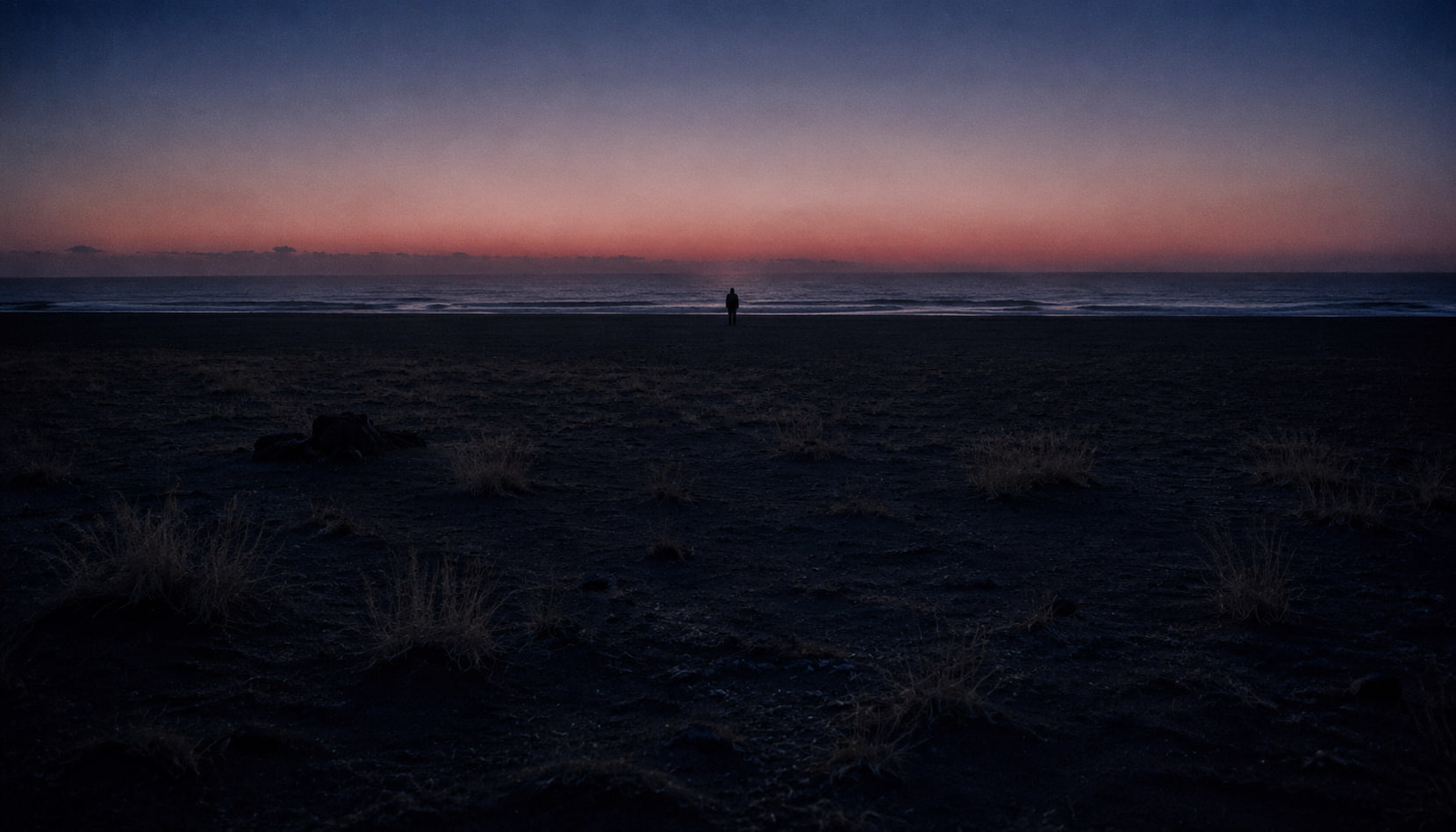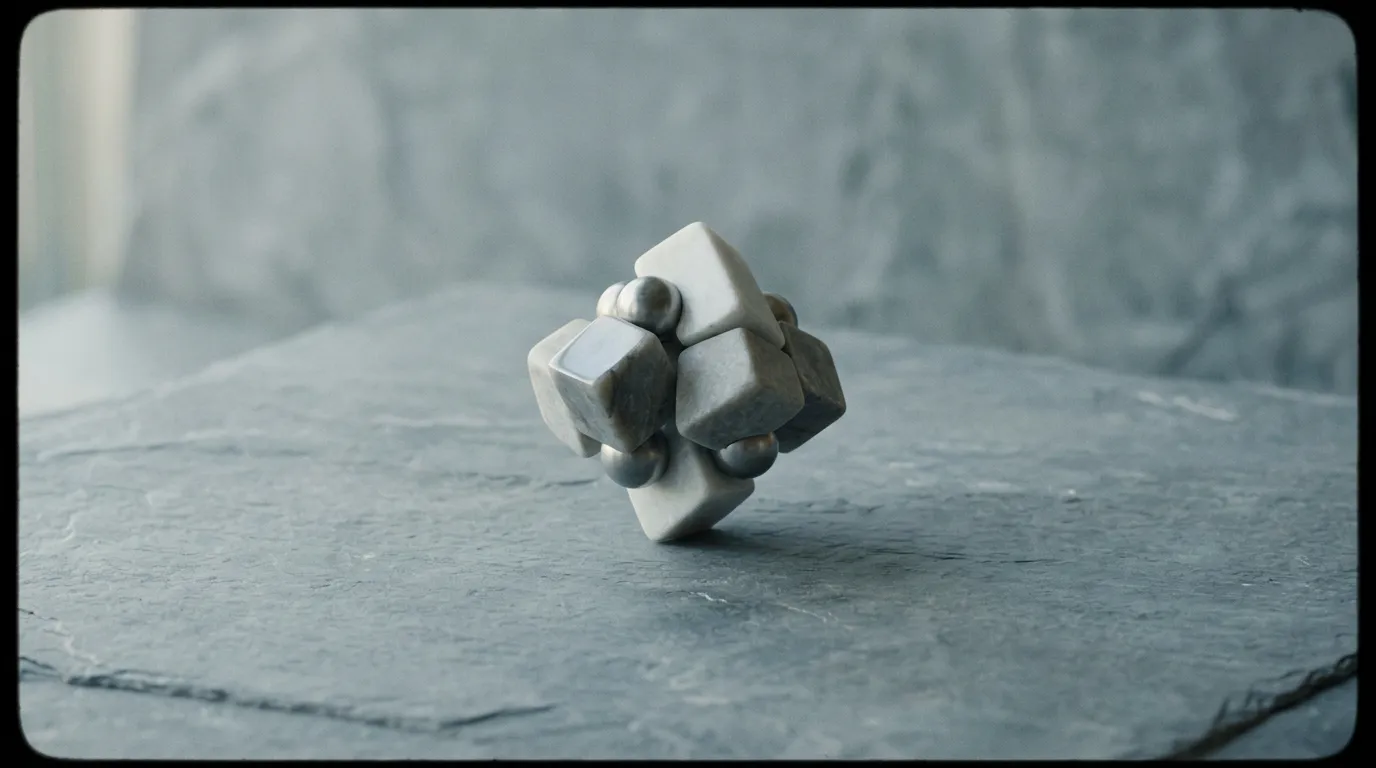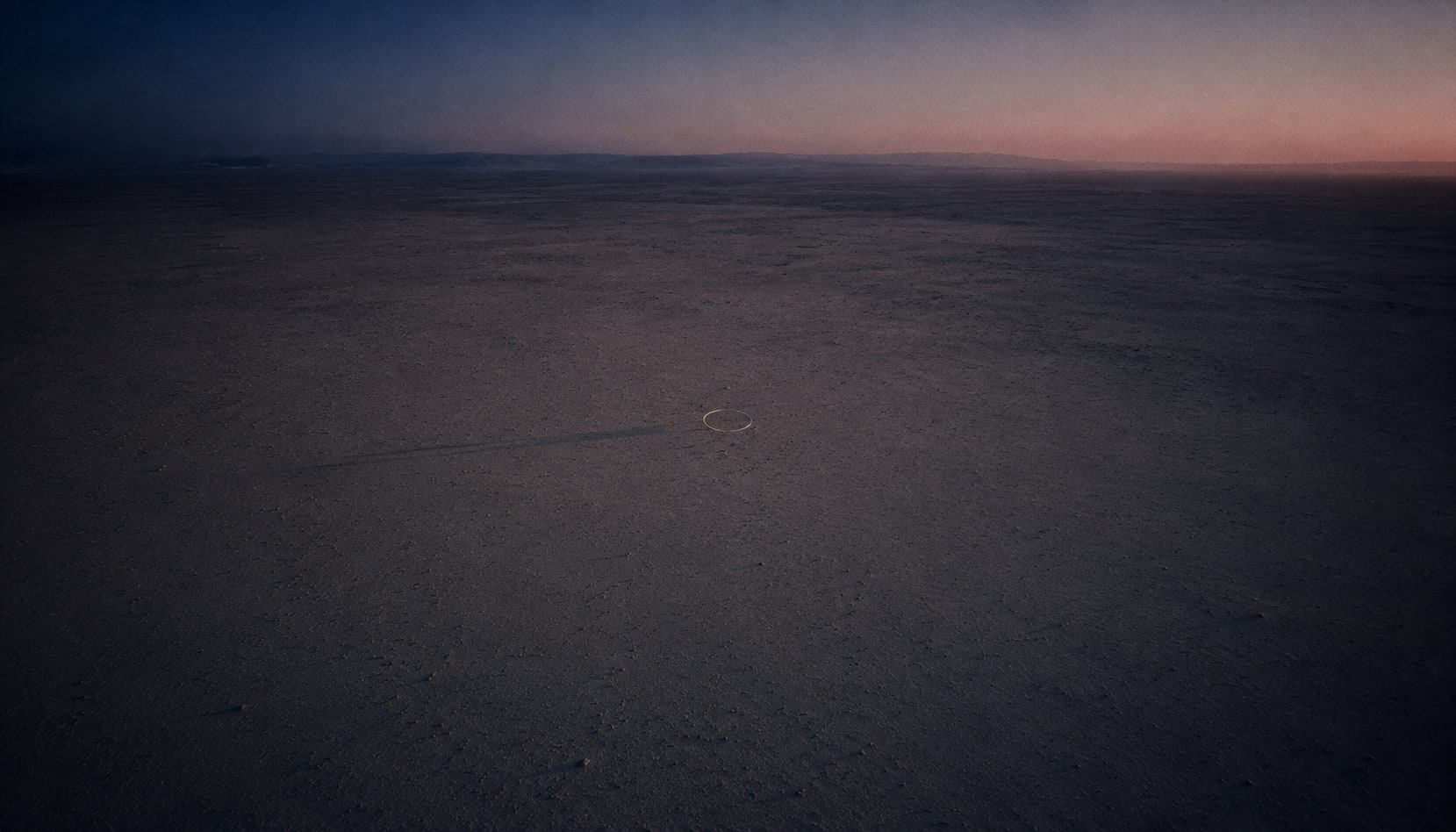
How to Create AI B-Roll for YouTube
Generate custom supplementary footage for any video project — replace generic stock footage with unique, on-brand AI-generated B-roll.
Every YouTube video needs B-roll. Those supplementary clips between talking head segments, over narration, and during transitions — they're what separate amateur-looking videos from professional ones. But sourcing B-roll is a pain.
Stock footage is generic, expensive, and everyone uses the same clips. Filming your own requires time and equipment. AI B-roll generation is the third option that solves both problems.
The B-roll problem
Stock footage libraries charge $50–$200 per clip for HD video. A typical 10-minute YouTube video uses 15–30 B-roll clips. That's $750–$6,000 per video in stock footage alone. Free stock sites exist, but the clips are overused — your audience has seen them in a dozen other videos.
Filming custom B-roll means location scouting, travel, equipment, and editing. For a tech review channel, getting footage of a "futuristic city" or "data center interior" might be physically impossible.
AI B-roll eliminates these constraints. Generate exactly what you need, customized to your topic, in minutes.
Why AI B-roll is better than stock footage
- Unique: No one else has your exact clips
- Custom: Generate precisely what your narration describes
- Affordable: A fraction of the cost of stock subscriptions
- Fast: Generate clips in seconds instead of browsing for hours
- Unlimited: No licensing restrictions or usage limits
- On-brand: Match your channel's visual style consistently
Best models for B-roll
Sora 2
The gold standard for B-roll. Sora 2 produces the most photorealistic footage, which is exactly what B-roll needs to be — supplementary footage that looks like it was filmed. Cityscapes, nature shots, technology visualizations, and lifestyle scenes all look exceptional.
Kling 3.0
Best for B-roll that includes people. Office scenes, street footage with pedestrians, crowds, and any clip where human subjects are prominent. Kling 3.0 handles realistic human motion better than other models.
Seedance 2.0
The speed champion. When you need 20 B-roll clips for a video and you need them now, Seedance 2.0 delivers. Quality is slightly below Sora 2, but the turnaround time is unbeatable.
Veo 3.1
Strong for atmospheric and environmental B-roll. Landscapes, weather, space, and macro shots. Veo 3.1 excels at scenes where mood and atmosphere matter more than precise detail.
Common B-roll categories and prompts
Technology
- "Close-up of hands typing on a glowing keyboard, soft blue ambient light, shallow depth of field, tech office"
- "Server room with blinking lights, camera slowly dollying through aisles, cool blue lighting, cinematic"
- "Abstract data visualization, glowing particles forming network connections, dark background, futuristic"
Business
- "Modern office meeting room, diverse team collaborating around a whiteboard, natural light, professional"
- "Entrepreneur working on laptop at a coffee shop, focused expression, warm ambient lighting, candid feel"
- "Aerial shot of a city business district at golden hour, skyscrapers with reflective glass, cinematic drone shot"
Nature/Environment
- "Slow motion aerial shot over a dense rainforest canopy, morning mist, golden sunlight breaking through, 4K"
- "Ocean waves crashing on rocky coastline, dramatic slow motion, sunset colors, cinematic"
- "Macro shot of morning dew drops on a leaf, shallow focus, gentle sunlight, peaceful"
Lifestyle
- "Person jogging through a park at sunrise, golden light, camera tracking alongside, healthy lifestyle"
- "Friends laughing together at an outdoor dinner table, string lights, warm summer evening, candid"
- "Hands holding a coffee cup, steam rising, cozy window light, morning routine"
Workflow for YouTubers
Step 1: Script first, B-roll second
Write your full script or outline before generating any B-roll. Highlight every section that needs supplementary footage. Note what the visuals should show for each section.
Step 2: Create your B-roll list
From your script, extract a list of needed clips. For a 10-minute video, expect 15–25 clips at 3–8 seconds each. Write a prompt for each.
Step 3: Batch generate
Open PonPon and generate all clips in one session. Use 16:9 aspect ratio to match your main footage. Generate 2 variants of each prompt for selection flexibility.
Step 4: Organize and label
Download all clips and organize them by topic or script section. Name files descriptively: "01-city-aerial-sunset.mp4" is better than "clip-1.mp4."
Step 5: Drop into your timeline
In your video editor, place B-roll clips over narration segments. Standard practice:
- Cut to B-roll every 5–10 seconds during narration
- Hold each B-roll clip for 3–8 seconds
- Use gentle zoom or pan on still-ish clips (Ken Burns effect)
- Color match B-roll to your main footage for visual consistency
Advanced B-roll techniques
Consistent visual style
Establish a visual vocabulary for your channel. If you always use "cinematic shallow depth of field, warm color grading" in your prompts, your B-roll will have a consistent, professional look across all videos.
Metaphorical B-roll
Don't just show what you're literally describing. Use visual metaphors:
- Discussing growth? Show a plant sprouting in time-lapse
- Talking about speed? Show a highway with cars in motion blur
- Explaining complexity? Show an intricate clockwork mechanism
Transitional B-roll
Generate clips specifically designed as transitions between topics:
- Aerial shots that pan from one environment to another
- Abstract motion graphics that bridge different subjects
- Time-lapse sequences that suggest the passage of time
Cost comparison
| Source | Cost per video (20 clips) | Quality | Uniqueness |
|---|---|---|---|
| Premium stock | $1,000–$4,000 | High | Low |
| Free stock | $0 | Medium | Very low |
| Film yourself | $200+ in time | Variable | High |
| AI on PonPon | Free–$20 | High | Very high |
The economics are clear. AI B-roll delivers the best combination of quality, uniqueness, and cost.
Start generating
Your next YouTube video deserves custom B-roll. Open PonPon, pick Sora 2 or Kling 3.0, and start generating clips that match your content perfectly. Free daily credits mean you can build your B-roll library starting today.