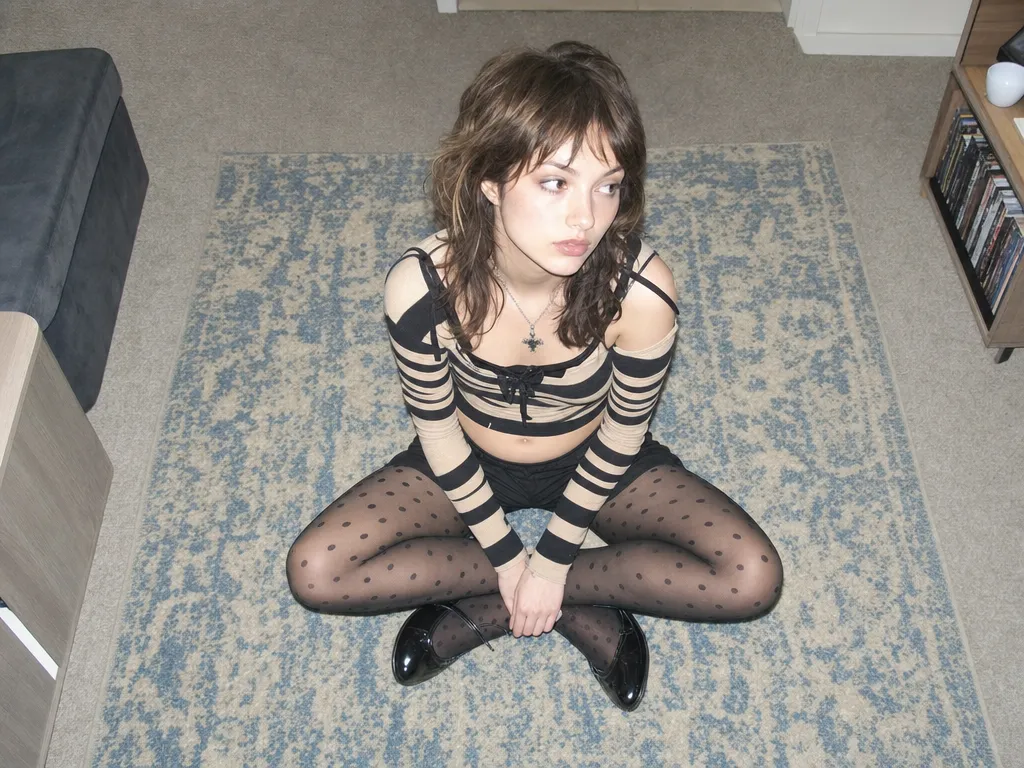
Editar imagen IA

Sube una foto y describe los cambios que quieres en lenguaje natural. La IA ejecuta ediciones con precisión — cambia fondos, transfiere estilos, modifica ropa — manteniendo tu identidad y composición.

1
Funciones

Qué puedes hacer

Edición precisa — cambia solo lo que quieras

Describe la edición en lenguaje natural — 'cambia el coche rojo a azul', 'pon el fondo de una playa al atardecer'. La IA modifica el área exacta, el resto de la imagen permanece intacto.

Transferencia de estilo — cambia el estilo artístico con un clic

Convierte fotos a acuarela, estilo anime, efecto de película vintage y más. Mantiene la composición y contenido original, solo cambia el estilo visual.

Consistencia de personaje — identidad intacta

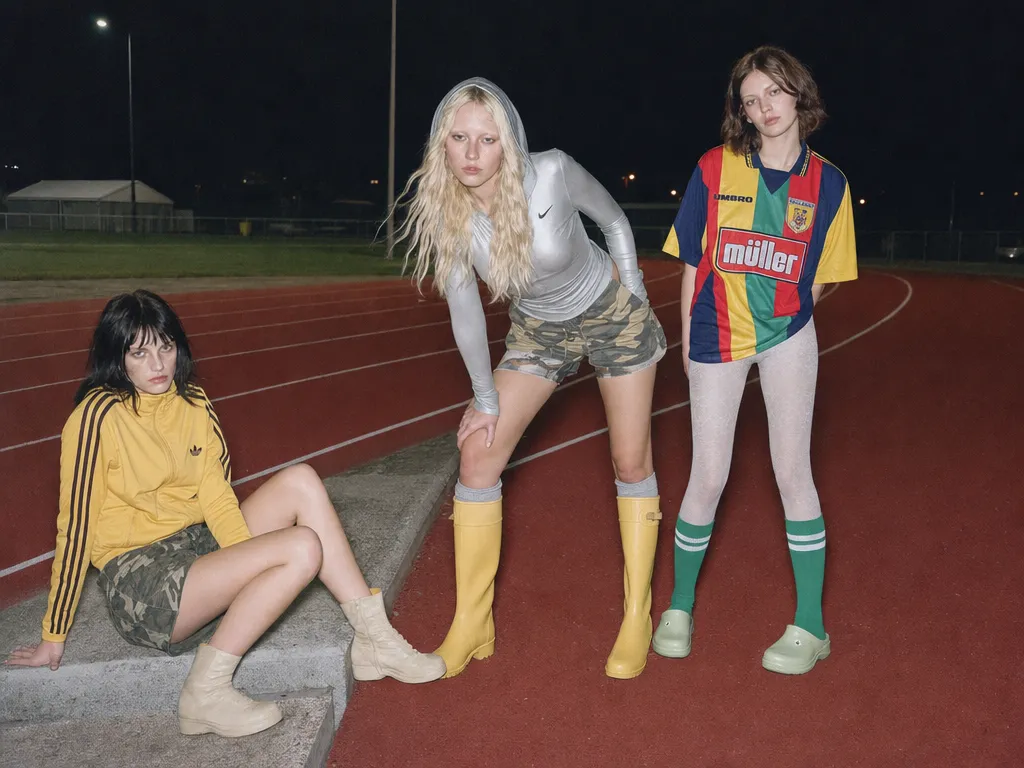
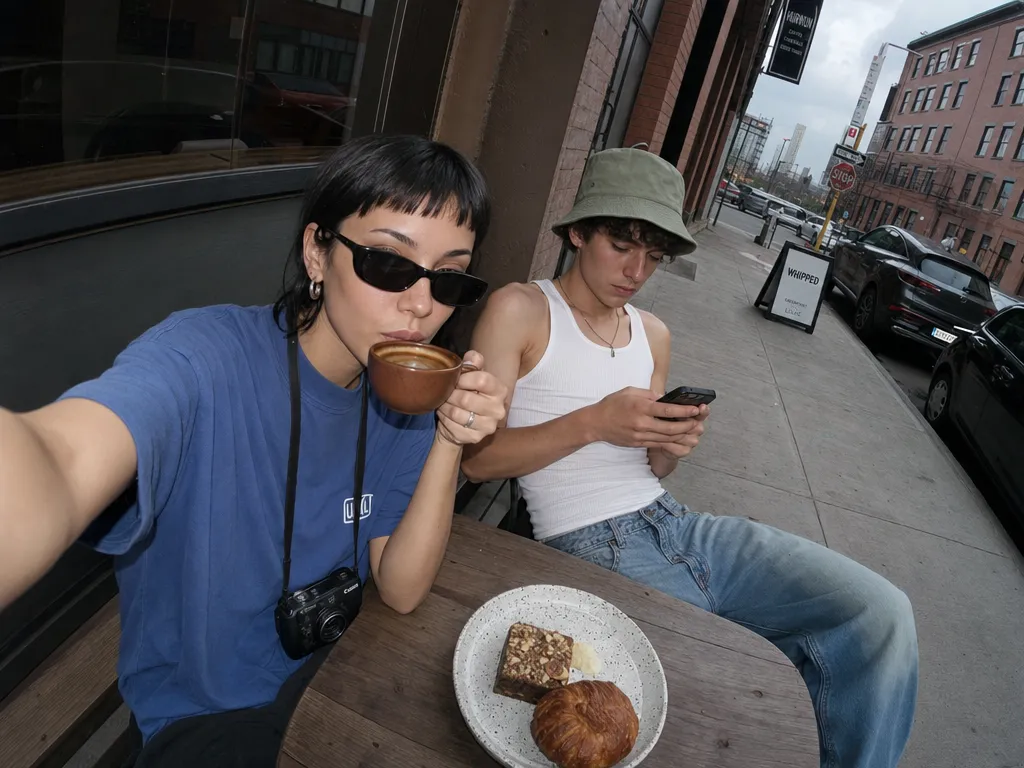
Cambia peinado, ropa y escenario mientras tus rasgos faciales e identidad se preservan completamente. Útil para contenido personal y materiales de marca.

Soporte multimodelo

Selecciona automáticamente el modelo de IA más adecuado según el tipo de edición. Nano Banana Pro para edición precisa, GPT Image 2 para renderizado de texto, compara en Canvas.

Generación de variantes por lotes

Genera múltiples variantes de la misma foto original — diferentes fondos, estilos y atuendos. Una foto, posibilidades infinitas.

Para quién es

Casos de uso

Product photo variations

Upload one product shot and generate dozens of background, lighting, and lifestyle variations. Replace studio backdrops, add seasonal themes, or create platform-specific crops — all from a single hero image.

Social content from existing photos

Transform personal photos into stylized social content. Apply trending aesthetics, change outfits for fashion posts, or create themed variations for campaigns — without reshooting.

Brand asset adaptation

Take one brand visual and adapt it across channels — different color schemes for different platforms, localized backgrounds for regional campaigns, seasonal variations of the same hero image.

Virtual try-on and styling

Upload a portrait and try different hairstyles, makeup looks, and outfits. Explore style directions without committing — great for personal styling, content planning, and e-commerce visualization.

Art and illustration exploration

Feed in a sketch, photo, or rough composition and iterate on visual styles. Go from pencil sketch to oil painting to anime to photorealism — all while preserving the original layout and subject.

Comunidad

Amado por creadores en todo el mundo

Únete a miles de creadores, agencias y marcas que usan Sunra todos los días.
Product variations in minutes, not days

We uploaded 30 product photos and generated 5 background variations each in under an hour. Our photographer would need a week to reshoot all of that. The quality is indistinguishable from real studio shots.

EV
Elena Vasquez
E-commerce Creative Director

Style transfer that actually preserves composition

I've tried every style transfer tool out there. Sunra is the first one where my original framing and subject placement stay exactly where I put them. The style changes, everything else stays locked.

JP
James Park
Digital Artist & Illustrator

Identity preservation is genuinely accurate

I generate content variations for influencer clients. Their faces need to be pixel-perfect across all variations. Nano Banana Pro nails it — the client can't tell which photo is real and which is AI-edited.

SC
Sophia Chen
Social Media Agency Owner

Batch generation changed our campaign workflow

One hero image, 20 variations for different markets, different seasons, different platforms. What used to take our design team a full sprint now takes an afternoon. The ROI is absurd.

MT
Marcus Thompson
Global Marketing Manager

Sketch to finished illustration in one step

I upload rough pencil sketches and transform them into polished illustrations. I can explore 10 visual styles in the time it used to take me to render one. My creative output tripled.

YT
Yuki Tanaka
Concept Artist, Game Studio

The comparison workflow is addictive

Running the same edit through Nano Banana Pro and GPT Image 2 side by side on Canvas — each model has a sweet spot. Pro for faces and edits, GPT for text and transparency. I never have to guess which is better.

DW
David Wright
Freelance Motion Designer
Preguntas frecuentes

Preguntas y respuestas

¿Qué es IA de imagen a imagen?
IA de imagen a imagen es una técnica de edición que toma una foto existente y la modifica mediante instrucciones en lenguaje natural — cambio de fondo, transferencia de estilo, cambio de ropa, etc.
¿Qué modelos de IA están disponibles?
Sunra ofrece Nano Banana Pro (edición precisa), GPT Image 2 (renderizado de texto) y más, cada modelo con sus fortalezas.
¿Imagen a imagen es gratis?
Sí. Cada cuenta tiene créditos diarios gratuitos para todos los modelos de imagen. Sin tarjeta de crédito.
¿La edición cambiará mi cara?
No. La IA preserva tus rasgos faciales e identidad. Solo modifica los elementos que especifiques — fondo, ropa, estilo, etc.
¿Cuál es la diferencia entre imagen a imagen y edición normal?
La edición tradicional requiere manipulación manual de máscaras, capas y herramientas. IA imagen a imagen solo necesita que describas los cambios en lenguaje natural y la IA ejecuta todas las operaciones técnicas automáticamente.
Can I upload any image format?
Sunra accepts JPG, PNG, and WebP. For best results, use images with at least 720p resolution. Large images are resized automatically to fit model requirements.
How is this different from text-to-image generation?
Text-to-image creates images from scratch based on a text prompt. Image-to-image starts with your existing photo and modifies it — preserving composition, subject, and identity while changing the elements you specify. Use text-to-image when you need something new; use image-to-image when you want to transform something you already have.

¿Listo para crear?

Comienza con créditos diarios gratuitos. No se requiere tarjeta de crédito.