Image to Video AI Generator

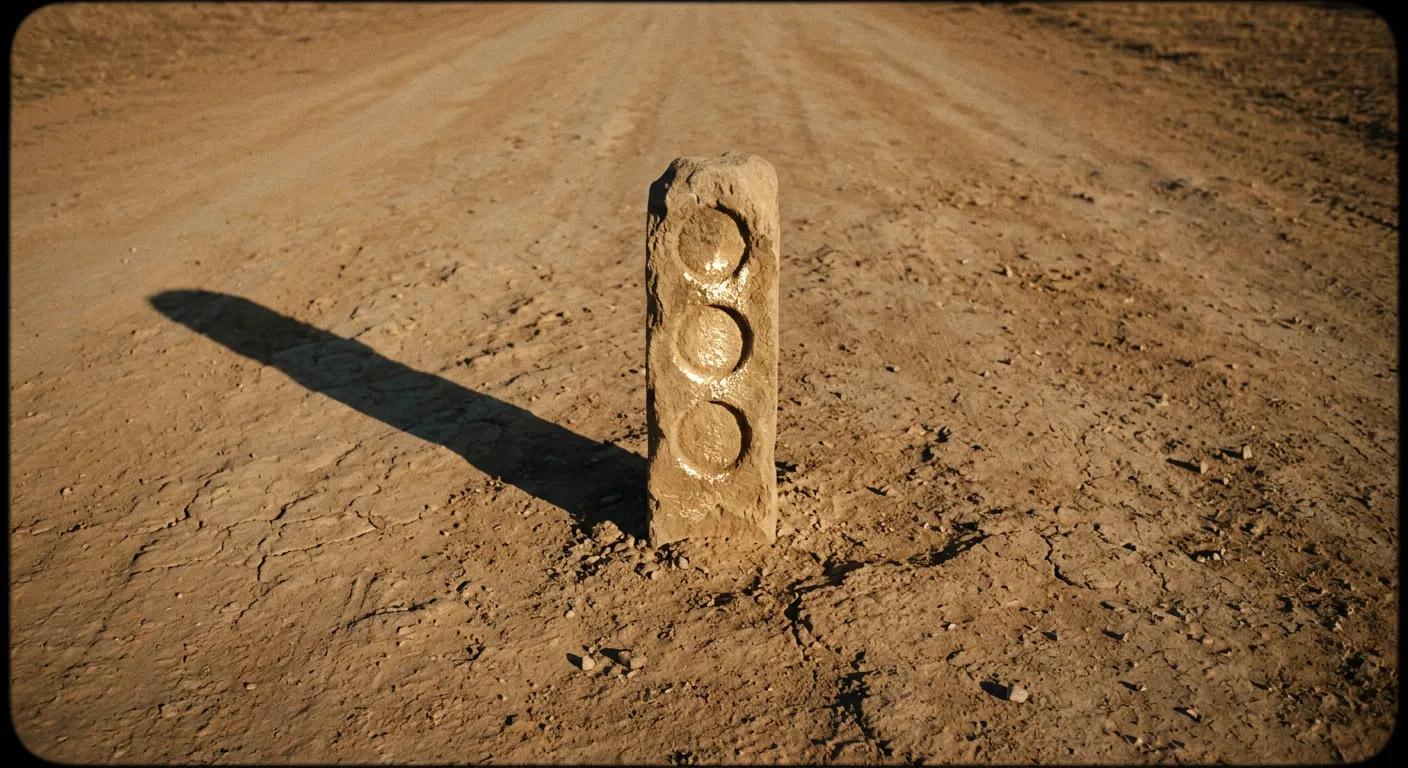
Upload any photo and turn it into a cinematic video. AI preserves your composition while adding realistic motion, physics, and audio.

1
Features

What you can do

Your image, brought to life

Upload a product shot, portrait, or landscape. The AI uses your image as the first frame and generates natural motion that respects the original composition — no drift, no distortion.

Control the motion with prompts

Don't just animate — direct. Add a text prompt to specify camera movement, action, mood, and pacing. Veo 3.1 has the most precise camera language understanding, but all models respond to directorial cues like 'slow zoom in as she turns to face the camera'.

Perfect for product and social content

Turn product photos into video ads. Animate e-commerce stills for social feeds — or use the AI Agent to generate both the product image and the video in one prompt. Create scroll-stopping content from a single image in under a minute.

Audio that matches the motion

Models like Seedance 2.0 and Veo 3.1 generate synchronized audio alongside the video — footsteps, ambient sound, dialogue. Your animated image sounds as real as it looks, with zero post-production.

Extend and iterate on Canvas

Generate your first clip, then branch into variations or extend the sequence in Canvas. Compare outputs from different models side by side and export the best take — all without leaving the workspace.

Who it's for

Use cases

E-commerce product animation

Turn flat product stills into scroll-stopping video ads. Upload a hero shot, add a subtle rotation or zoom, and export a clip that outperforms static images on every social platform.

Social content from existing photos

Animate portraits, lifestyle shots, and travel photos for Reels, TikTok, and Stories. Try the AI dance video effect for trending content, or describe any custom motion. One image becomes a cinematic loop — no camera crew, no editing timeline.

Storyboard-to-video

Upload illustrated storyboard frames and generate moving footage for each panel. Pre-visualize an entire sequence before committing to a full production shoot.

Architectural visualization

Feed in 3D renders or architectural stills and generate smooth walkthrough videos. Clients see how a space feels in motion — far more persuasive than a static render deck.

Morph between two images

Upload two photos as start and end frames — a before/after product shot, a seasonal scene change, or a character transformation. Seedance 2.0 and Kling 3.0 generate smooth morphing transitions that blend between the two images with natural physics and motion.

Community

Loved by creators worldwide

Join thousands of creators, agencies, and brands who use Sunra every day.
Our product photos finally move

We uploaded 50 SKU hero shots and turned each one into a 6-second video ad in an afternoon. Click-through rates doubled compared to static carousels. This replaced an entire day of studio shooting.

EY
Elif Yilmaz
E-commerce Marketing Manager

Composition stays pixel-perfect

I was worried the AI would drift from my original framing. It didn't — the first frame matches my upload exactly, and the motion flows naturally from there. Kling 3.0 nails character consistency.

TF
Tomás Ferreira
Portrait Photographer

Seedance is absurdly fast

I needed 12 animated clips for a social campaign by end of day. Seedance 2.0 rendered each one in under a minute. I had time to generate variations and pick the best — something that would've taken a week with a video editor.

HN
Hana Nakamura
Social Media Director

Storyboards that pitch themselves

I uploaded my illustrated storyboard frames and generated a moving animatic in 30 minutes. The client approved the concept on the spot — they'd never been able to 'see' it from static frames alone.

MS
Mark Sullivan
Creative Director, Animation Studio

Architectural walkthroughs without a render farm

We used to spend two days rendering walkthrough animations from our 3D stills. Now I upload the key angles and get smooth video in minutes. Clients love the motion — it sells the space better than any slideshow.

JL
Jessica Lee
Architectural Visualization Lead

Three models, one winner every time

I run the same image through Kling, Sora, and Seedance on Canvas and compare side by side. Each model has a sweet spot — Kling for faces, Sora for environments, Seedance when I need it now. The comparison workflow is addictive.

DW
David Wright
Freelance Motion Designer
FAQ

Questions & answers

What image formats can I upload?
Sunra accepts JPG, PNG, and WebP images. For best results, use images with at least 720p resolution.
How long are image-to-video outputs?
Typically 4–15 seconds depending on the model. Kling 3.0 supports the longest clips at up to 15 seconds. Seedance 2.0 renders shorter clips faster.
Does the AI preserve my original image exactly?
Yes. The best models use your image as the first frame or style anchor, preserving the exact composition, colors, and characters while adding natural motion.
Which model is best for image-to-video?
Kling 3.0 is strongest for character photos and multi-shot sequences. Sora 2 handles complex environments best. Seedance 2.0 is fastest. Use Canvas to try all three side by side.
Is image-to-video free?
Yes. Free daily credits cover image-to-video across all models. No credit card required. Paid plans unlock higher volume and priority rendering.
Can I use two images for start and end frames?
Yes. Upload a start frame and an end frame to create a smooth morphing transition between the two images. This works with Seedance 2.0 and Kling models — ideal for before/after reveals, seasonal transitions, or character transformations.
What image formats and resolutions are supported?
JPG, PNG, and WebP formats are accepted. 720p or higher resolution is recommended for best results. Large images are automatically resized on upload to fit model requirements — no manual preparation needed.
What is the best free photo to video AI?
Sunra gives you access to Kling 3.0, Sora 2, Veo 3.1, and Seedance 2.0 — all in one place with free daily credits. Compare outputs from the best models and pick the winner.

Ready to create?

Start with free daily credits. No credit card required.