GPT Image2

SunraならGPT Image 2(ChatGPT Images 2.0)をブラウザで無料で使えます。OpenAI アカウントも API キーも不要。毎日の無料クレジットで画像生成から編集まで、最大4Kで出力。

GPT Image 2 を試す

GPT Image 2 を選ぶ理由

GPT Image 1.5の後継モデル。よりシャープなディテール、安定した構図、編集を通じても維持される被写体忠実度。使い方はモデルを選んでプロンプトを入力するだけ、最大10枚の参照画像を使った編集にも対応します。

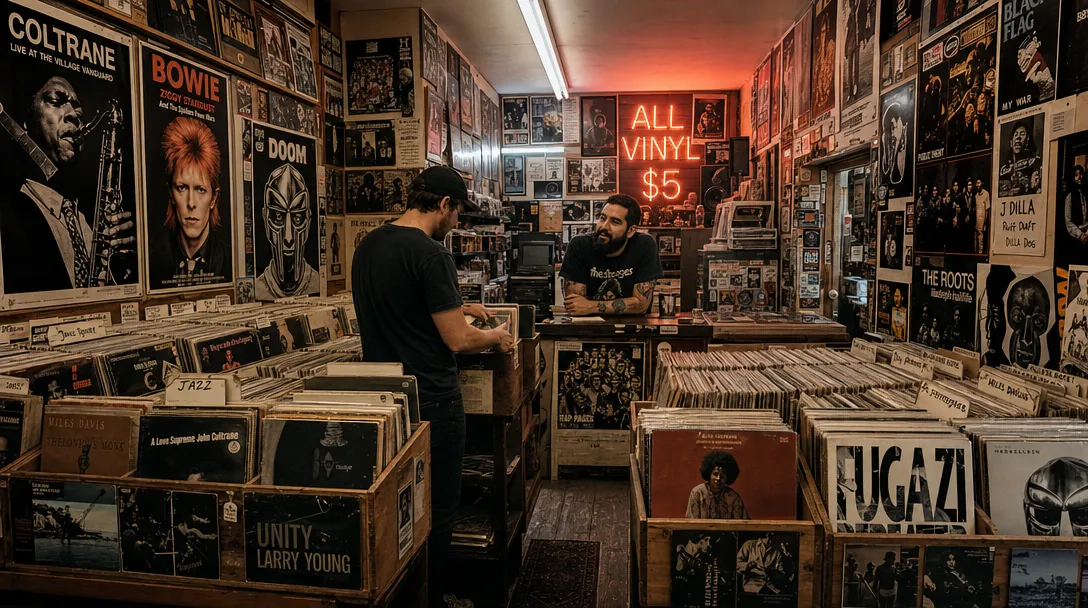
Wide-angle interior of a cramped vinyl record shop, shot from hip height looking down a narrow aisle of wooden crates stuffed with LPs. A neon sign reading 'ALL VINYL $5' glows pink-orange in the back corner. A bearded shop owner in a faded band tee leans on the counter, mid-conversation with a customer flipping through jazz records. Overhead fluorescent tubes mix with the neon to create a split warm-cool lighting. Posters for Coltrane, Bowie, and MF DOOM cover every inch of wall space. The image has a wide depth of field, capturing every album spine and poster detail. HEX VALUES: ["#0d0a08", "#2a1f1a", "#5e4535", "#e8754a", "#f5c29e", "#8b7e72", "#c2b8a8"]

アートディレクションされたような審美性

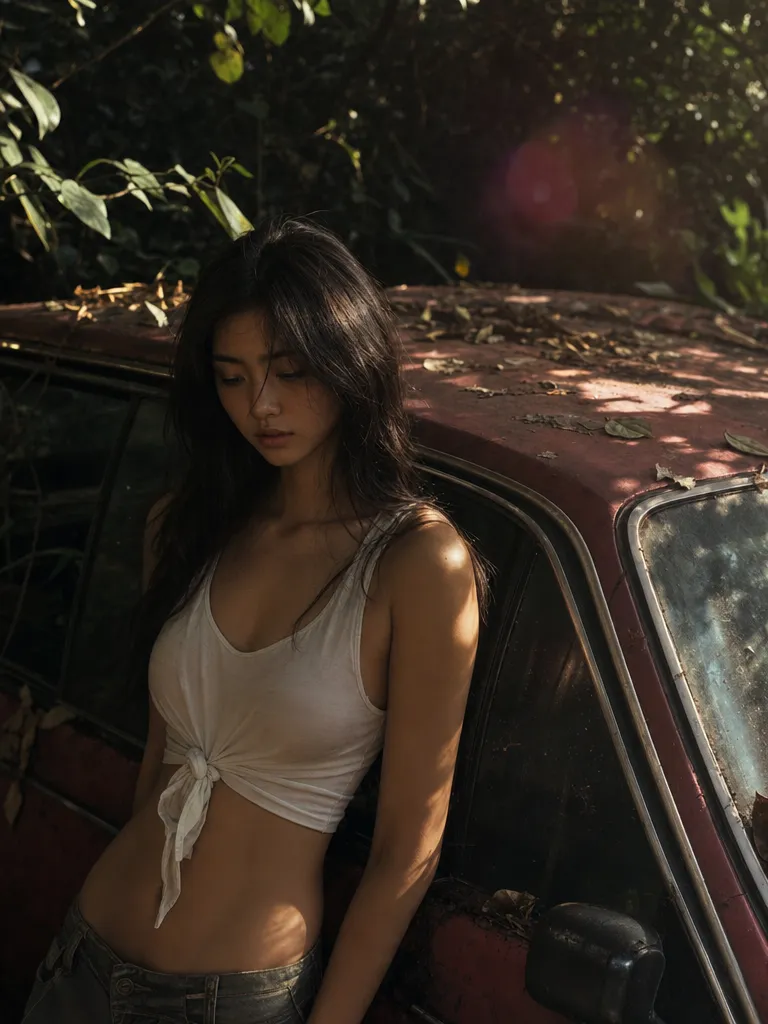
GPT Image 2は、ライティング、テクスチャ、構図を「生成された」ではなく「意図的」に感じるレベルでレンダリングします。デフォルトの出力がほとんどのブリーフに十分で、5回やり直す必要がありません。

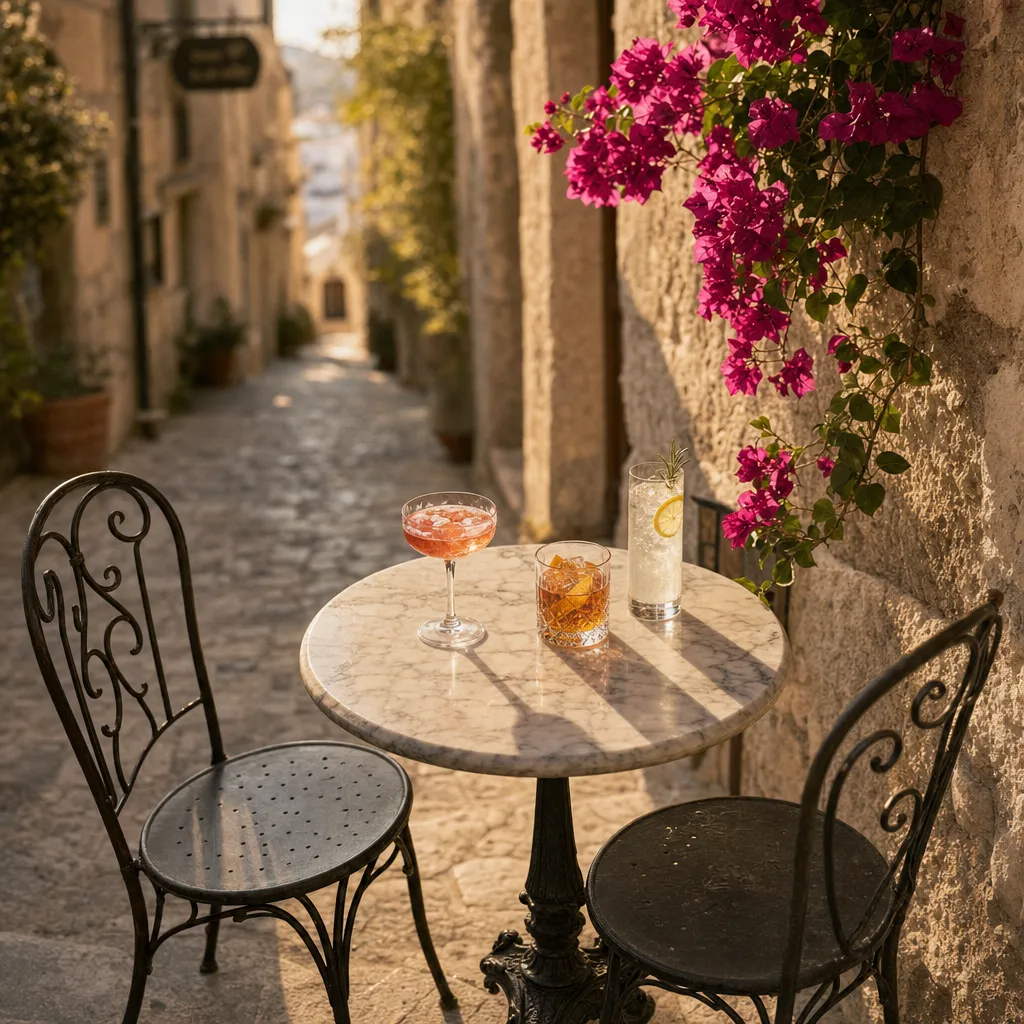
Overhead three-quarter angle of a small round marble bistro table wedged into a narrow Mediterranean stone alley. Three cocktails in different glassware — a coupe with a pink Aperol spritz, a rocks glass with an amber old fashioned, a tall collins with a clear gin fizz — each casting soft shadows on the table. Two wrought-iron chairs pulled back as if the drinkers just stepped away. Bougainvillea creeping down the limestone wall on the right. Late afternoon light rakes across the alley at a low angle, warming the stone to honey. Shallow depth of field blurs the alley beyond into a sunlit haze. HEX VALUES: ["#7b6d65", "#403b37", "#56514b", "#877a72", "#706056", "#acaa9a", "#d4c3a8"]

手間いらずのプロンプト追従

複数被写体のシーン、指定ポーズ、正確なカラーパレット、読み取り可能な画像内テキスト — GPT Image 2は簡単な部分だけでなくプロンプト全体を解決します。同じプロンプトで他のジェネレーターと比較して違いを確認してください。

Hyper-realistic product photograph of a single white leather sneaker with a gum sole, placed on a raw concrete block, floating 2cm above a polished black surface with a perfect mirror reflection. A single soft directional studio light from the upper left creates a gentle gradient across the shoe and a crisp shadow trailing to the right. The background is a seamless matte charcoal grey. Every stitch, perforated panel, and texture on the gum sole is in tack-sharp focus. Clean, minimal, e-commerce hero aesthetic. HEX VALUES: ["#1a1a1a", "#333333", "#f0ede8", "#d4cfc5", "#c4a060", "#e8e0d0", "#2a2a2a"]

編集を通じた被写体忠実度

リファレンスをアップロードしてイテレーション。GPT Image 2は顔、商品、ブランド要素を編集を通じて安定的に維持します — ドリフトも「似てるけど別人」もありません。

Architectural exterior of a brutalist concrete public library at golden hour — massive cantilevered reading rooms jutting out over a reflecting pool, raw board-formed concrete texture catching the low sun. A single figure walks along the pool edge, casting a long shadow. Young birch trees planted in a geometric grid soften the hardscape. The sky is clear gradient from deep blue at the top to warm apricot at the horizon. Shot with a tilt-shift lens giving a subtle miniature effect at the edges. HEX VALUES: ["#1e2a3a", "#3a5572", "#7a8a92", "#b4b0a4", "#d4c8a0", "#e8b870", "#f0dcc0"]

2つのエンドポイント、1つのモデル

テキストから画像と画像編集が、Sunra上で同じモデルで動作します。構図編集には最大10枚のリファレンス画像を使用するか、空のプロンプトから始めても品質は同じです。そして、プラットフォームを離れずに最高の画像を動画クリップに変換できます。

GPT Image 2 の使い方

  1. GPT Image 2 を開く

    ログインすると、GPT Image 2 を選んだ状態で Sunra が開きます。新規アカウントには毎日の無料クレジットがあり、カード登録は不要です。

  2. 参考素材を追加する

    任意:編集したい写真や、スタイル・商品・顔を合わせるための参考画像を追加できます。テキストだけでも生成できます。

  3. 画像の内容を書く

    画面に何があるか、スタイル、光、構図を書きます。画像に入れたい文字は引用符で囲みます。

  4. 生成して仕上げる

    アスペクト比を選んで生成します。結果はプロジェクトに届きます。気に入ったものを残し、追加のプロンプトで編集したり、動画にしたりできます。

よくある質問

GPT Image 2(ChatGPT Images 2.0)とGPT Image 1.5の違いは?

GPT Image 2はプロンプト追従、構図の安定性、編集を通じた被写体忠実度が向上しています。前世代を使っていた方には、GPT Image 2はそのまま置き換え可能なアップグレードです。サイドバイサイド比較で全項目を確認できます。GPT Image 2 は OpenAI 側では ChatGPT Images 2.0 とも呼ばれます。

GPT Image 2の使い方は?画像編集もできますか?

はい。使い方はモデル一覧からGPT Image 2を選び、プロンプトを入力するだけです。編集の場合は最大10枚のリファレンス画像をアップロードし、変更内容を記述すれば、GPT Image 2が自動的に画像編集エンドポイントを使用します。別のモデルを選ぶ必要はありません。

Nano Banana Proとの比較は?

GPT Image 2は指示追従、画像内テキスト、ブランドカラー精度に優れています。Nano Banana Proは精密な局所編集とマルチリファレンスブレンドに優れています。多くのチームが両方を常備しています。

GPT Image 2とMidjourney V8.1 — どちらを使うべき?

GPT Image 2はプロンプト精度、テキストレンダリング、ブランドカラー精度に優れています。Midjourney V8.1はシネマティックなムードと審美的デフォルトに優れています。商用・ブランド制作にはGPT Image 2、エディトリアルやアート探索にはV8.1を使いましょう。

品質・解像度・背景は制御できますか?

はい。SunraのGPT Image 2では、品質は low / medium / high(デフォルト)の3段階、出力は 1K / 2K / 4K から選べます。低い段階ほど消費クレジットが少ないので、下書きには低い段階を、仕上げには high を使ってください。消費クレジット数は生成前に表示されます。背景は auto のままで、プロンプトからモデルが判断します — 透過背景については次の質問をご覧ください。

GPT Image 2は透過背景に対応していますか?

はい。GPT Image 2はネイティブで透過背景の画像を生成できます — 商品カットアウト、ステッカー、コンポジットワークフローに便利です。

出力の商用ライセンスは?

はい。Sunraで生成されたすべてのコンテンツは利用規約に基づき商用利用が許可されています。

SunraでのGPT Image 2の料金は?無料で使えますか?

無料の日次クレジットにGPT Image 2が含まれています。1日の無料枠の制限を超えた分は、ウォレット残高またはサブスクリプション枠から消費されます。クレジットカードは不要で、OpenAI アカウントや API キーも必要ありません。Sunraがモデルの実行を代行します。

GPT Image 2の画像を動画にできますか?

はい。画像を生成した後、Image to VideoボタンをクリックするとKling 3.0やSeedance 2.0などのモデルでアニメーション化できます。ワークフロー全体がSunra上で完結します。

GPT Image 2とSeedream 5.0の比較は?

Seedream 5.0はビジュアル推論と複数被写体の構図に優れています。GPT Image 2は画像内テキスト精度、ブランドカラー忠実度、複数リファレンスによる編集に優れています。どちらもトップクラス — タスクに応じて選びましょう。


OpenAI の GPT Image 2

毎日の無料クレジットですぐに始められます。クレジットカード不要。

ほかのモデルを見る