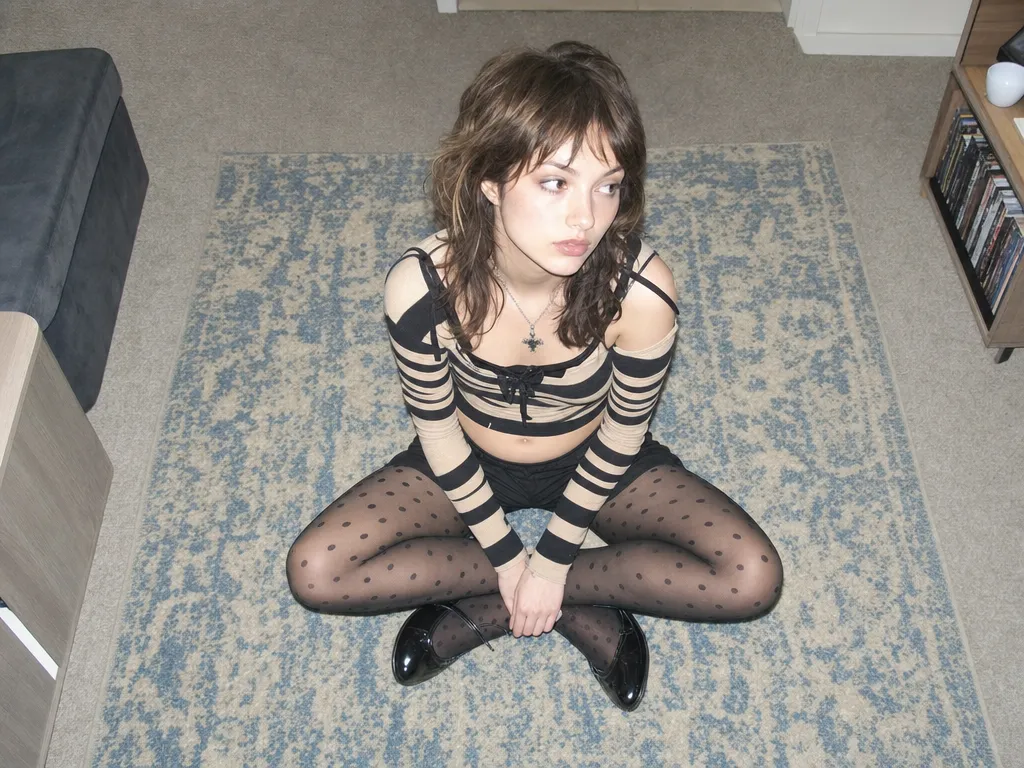
AI 画像から画像ジェネレーター

写真をアップロードし、自然言語で変更を記述。AIが正確に編集を実行——背景変更、スタイル転送、服装変更——あなたのアイデンティティと構図を保持。

1
機能

できること

精密編集 — 変えたい部分だけを変更

自然言語で編集内容を記述——「赤い車を青に変えて」「背景をサンセットビーチに変えて」。AIが指定エリアを正確に修正し、画像の他の部分はそのまま。

スタイル転送 — ワンクリックでアートスタイルを切り替え

写真を水彩画、アニメスタイル、レトロフィルム効果などに変換。オリジナルの構図と内容を保持し、ビジュアルスタイルのみを変更。

キャラクター一貫性 — アイデンティティ保持

ヘアスタイル、服装、シーンを変更しても、あなたの顔の特徴とアイデンティティは完全に保持。パーソナルコンテンツ制作やブランド素材に実用的。

マルチモデル対応

編集タイプに応じて最適なAIモデルを自動選択。Nano Banana Proは精密編集に、GPT Image 2はテキストレンダリングに優れ、Canvasで並べて比較。

バッチバリエーション生成

同じ元画像から複数のバリエーションを生成——異なる背景、異なるスタイル、異なる服装。1枚の写真、無限の可能性。

こんな方に

ユースケース

Product photo variations

Upload one product shot and generate dozens of background, lighting, and lifestyle variations. Replace studio backdrops, add seasonal themes, or create platform-specific crops — all from a single hero image.

Social content from existing photos

Transform personal photos into stylized social content. Apply trending aesthetics, change outfits for fashion posts, or create themed variations for campaigns — without reshooting.

Brand asset adaptation

Take one brand visual and adapt it across channels — different color schemes for different platforms, localized backgrounds for regional campaigns, seasonal variations of the same hero image.

Virtual try-on and styling

Upload a portrait and try different hairstyles, makeup looks, and outfits. Explore style directions without committing — great for personal styling, content planning, and e-commerce visualization.

Art and illustration exploration

Feed in a sketch, photo, or rough composition and iterate on visual styles. Go from pencil sketch to oil painting to anime to photorealism — all while preserving the original layout and subject.

コミュニティ

世界中のクリエイターに愛されています

毎日Sunraを使っている何千ものクリエイター、エージェンシー、ブランドの仲間入りをしましょう。
Product variations in minutes, not days

We uploaded 30 product photos and generated 5 background variations each in under an hour. Our photographer would need a week to reshoot all of that. The quality is indistinguishable from real studio shots.

EV
Elena Vasquez
E-commerce Creative Director

Style transfer that actually preserves composition

I've tried every style transfer tool out there. Sunra is the first one where my original framing and subject placement stay exactly where I put them. The style changes, everything else stays locked.

JP
James Park
Digital Artist & Illustrator

Identity preservation is genuinely accurate

I generate content variations for influencer clients. Their faces need to be pixel-perfect across all variations. Nano Banana Pro nails it — the client can't tell which photo is real and which is AI-edited.

SC
Sophia Chen
Social Media Agency Owner

Batch generation changed our campaign workflow

One hero image, 20 variations for different markets, different seasons, different platforms. What used to take our design team a full sprint now takes an afternoon. The ROI is absurd.

MT
Marcus Thompson
Global Marketing Manager

Sketch to finished illustration in one step

I upload rough pencil sketches and transform them into polished illustrations. I can explore 10 visual styles in the time it used to take me to render one. My creative output tripled.

YT
Yuki Tanaka
Concept Artist, Game Studio

The comparison workflow is addictive

Running the same edit through Nano Banana Pro and GPT Image 2 side by side on Canvas — each model has a sweet spot. Pro for faces and edits, GPT for text and transparency. I never have to guess which is better.

DW
David Wright
Freelance Motion Designer
よくある質問

質問と回答

AI画像から画像とは?
AI画像から画像は、既存の写真をベースに自然言語の指示で修正する画像編集技術——背景変更、スタイル転送、服装交換など。
どのAIモデルが利用できますか?
SunraはNano Banana Pro(精密編集)、GPT Image 2(テキストレンダリング)など、それぞれ得意分野の異なる複数モデルを提供。
画像から画像は無料ですか?
はい。毎日の無料クレジットがすべての画像モデルに適用されます。クレジットカード不要。
編集後に顔が変わりますか?
いいえ。AIはあなたの顔の特徴とアイデンティティを保持します。指定した要素のみ変更——背景、服装、スタイルなど。
画像から画像と通常の画像編集の違いは?
従来の画像編集はマスク、レイヤー、ツールの手動操作が必要。AI画像から画像は自然言語で変更を記述するだけで、AIがすべての技術的操作を自動実行。
Can I upload any image format?
Sunra accepts JPG, PNG, and WebP. For best results, use images with at least 720p resolution. Large images are resized automatically to fit model requirements.
How is this different from text-to-image generation?
Text-to-image creates images from scratch based on a text prompt. Image-to-image starts with your existing photo and modifies it — preserving composition, subject, and identity while changing the elements you specify. Use text-to-image when you need something new; use image-to-image when you want to transform something you already have.

作り始める準備はできましたか?

毎日の無料クレジットですぐに始められます。クレジットカード不要。