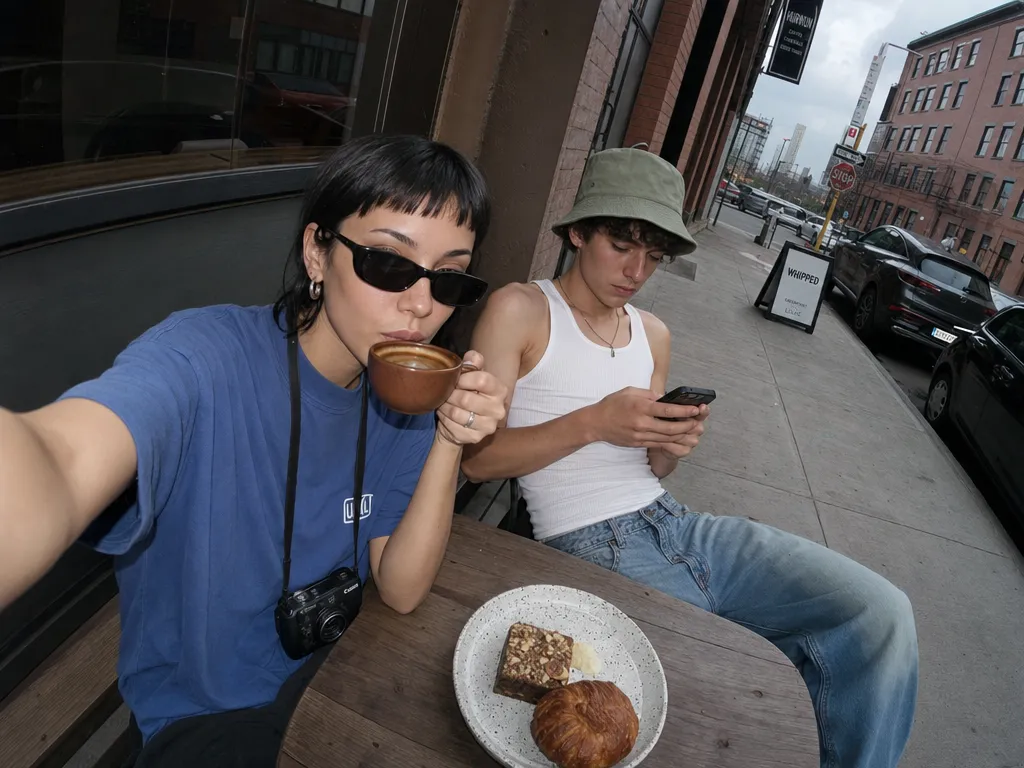
No Discord account required
Generate with Midjourney V8.1 directly from your browser. No need to join a Discord server, navigate channels, or manage bot permissions. Your generations are private by default — not posted in a public channel.

Midjourney is an image generation model known for its distinctive aesthetic — rich color grading, dramatic lighting, and a painterly quality that other models struggle to replicate. Historically, Midjourney required Discord as its only interface: you typed /imagine in a chat channel, waited in a shared queue, and received results mixed in with other users' generations. Midjourney V8.1 is the current model, with improved prompt adherence, text rendering, and photorealism over earlier versions. Sunra provides direct web access to V8.1 through a standard API integration — no Discord account needed.
Generate with Midjourney V8.1 directly from your browser. No need to join a Discord server, navigate channels, or manage bot permissions. Your generations are private by default — not posted in a public channel.
Adjust aspect ratio, stylization, chaos, and quality through dropdown menus and sliders instead of typing --ar 16:9 --s 750 --c 25 --q 2. The interface shows available options with previews so you don't need to memorize flag syntax.
Sunra calls the same Midjourney V8.1 model weights through API integration. The visual quality, style range, and prompt interpretation are identical to what you'd get in Discord — the difference is the interface, not the model.
Discord Midjourney processes jobs in a shared queue — during peak hours, generations can take 60–90 seconds. Sunra routes requests through dedicated API capacity, typically returning results in 30–50 seconds regardless of time of day.
Every generation is saved in your Sunra account with the prompt, settings, and seed value. No more scrolling through Discord chat to find a generation from last week. Filter by date, search by prompt text, or browse a visual grid.
Select any generation and click Upscale or Variation directly. In Discord, this requires reacting with emoji buttons on the correct message. On Sunra, these are standard buttons next to each result.
Go to Sunra Image. Midjourney V8.1 is pre-selected. No signup or Discord account needed — free credits are available immediately.
Describe what you want in the prompt field. Unlike Discord, you don't prefix with /imagine. Just write naturally: "A medieval blacksmith forging a glowing sword in a dimly lit workshop, sparks flying, cinematic lighting."
Use the sidebar controls to set aspect ratio (1:1, 16:9, 9:16, etc.), stylization level (0–1000), chaos value (0–100), and quality. Each control has a tooltip explaining what it does.
Click Generate. Midjourney returns a grid of 4 images. Click any image to view full-size, then choose Upscale for final resolution or Variation to explore alternatives based on that image.
Download the final image directly, or send it to your project for further editing — inpainting, background removal, or style adjustments using other models.
Whether you're a solo creator, an agency, or a brand — every model adapts to how you work.
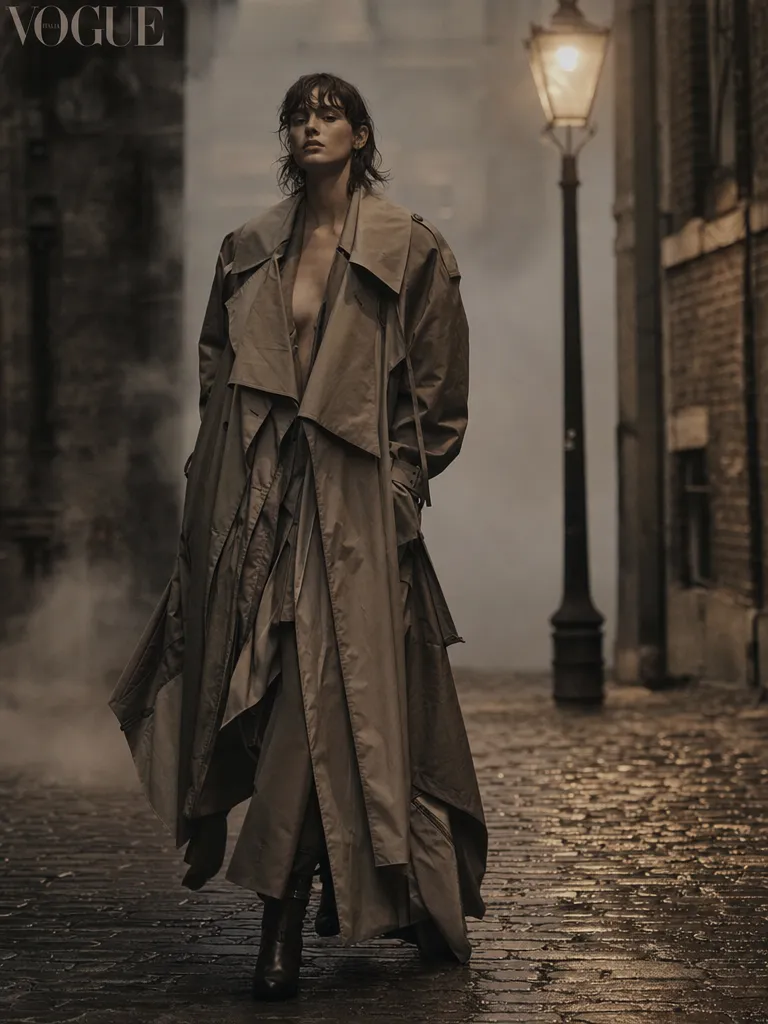
High fashion editorial
A supermodel in an avant-garde silver gown standing on a rain-slicked rooftop at twilight, city skyline out of focus behind her, dramatic rim lighting from the left, editorial fashion photography, Vogue cover aesthetic
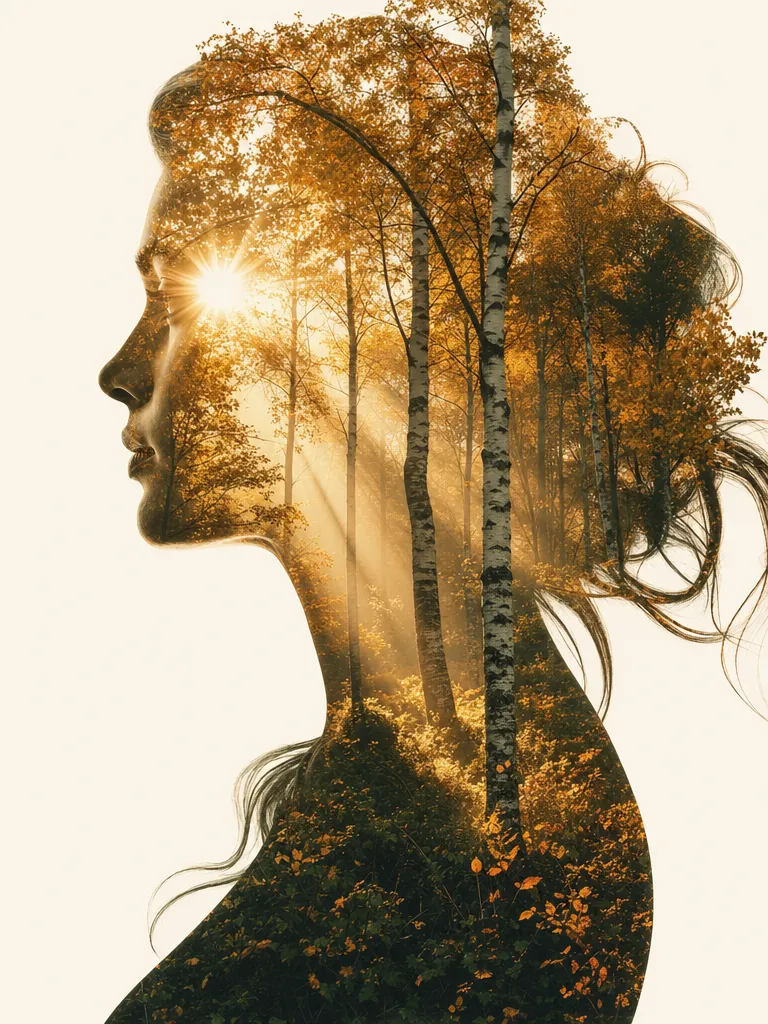
Double exposure portrait
Double exposure portrait of a woman's profile merged with a misty pine forest, the trees filling her silhouette, soft golden light filtering through branches, fine art photography, muted earth tones, high contrast black and white base
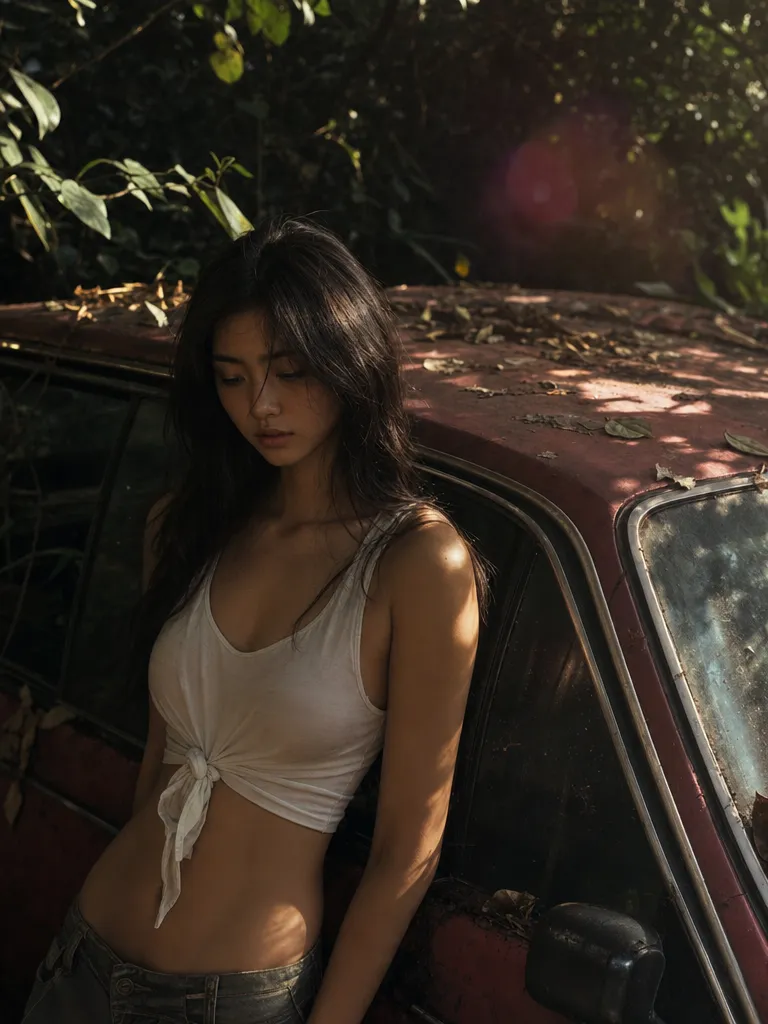
Nostalgic forest candid
A couple sitting on the hood of a 1970s olive-green Volvo wagon parked on a forest dirt road, late afternoon sun filtering through birch trees, warm film grain, candid moment, 35mm Kodak Portra 400 aesthetic
A minimalist ceramic coffee mug on a marble countertop, morning sunlight streaming through a window, soft shadows, shallow depth of field, editorial product photography, clean composition
Model: Midjourney V8.1 · Aspect: 4:3 · Stylization: 200 · Quality: High
Portrait of an elven ranger with weathered leather armor, silver hair braided with small leaves, forest background with volumetric light rays, oil painting style, detailed face, warm earth tones
Model: Midjourney V8.1 · Aspect: 2:3 · Stylization: 600 · Quality: High
A modern Japanese house with floor-to-ceiling glass walls overlooking a bamboo garden, interior view from living room, concrete and warm wood materials, dusk lighting with interior lights on, architectural photography
Model: Midjourney V8.1 · Aspect: 16:9 · Stylization: 150 · Quality: High
Flowing abstract composition of deep ocean blues and copper metallic, organic shapes suggesting underwater coral formations, textured brushstrokes visible, gallery-quality fine art print
Model: Midjourney V8.1 · Aspect: 3:4 · Stylization: 800 · Chaos: 30
Marketing teams generate visual concepts for campaigns without opening Photoshop or briefing a designer. Create 20 mood board images in an hour: product photography styles, color palettes, environmental shots. Export directly to your presentation.
Authors and musicians iterate on cover concepts quickly. Generate 50+ variations exploring different compositions, color schemes, and moods — then send the top 3 to a designer for final production. Replaces the first two rounds of concept sketching.
Content creators produce daily Instagram and Pinterest visuals with consistent aesthetic quality. Set a style template (e.g., "soft pastel minimalist flat lay") and generate variations for each post. No stock photo subscriptions needed.
Indie game developers and tabletop RPG creators generate character portraits, environment concepts, and item designs. Midjourney's strength in fantasy and sci-fi aesthetics makes it particularly effective for this use case compared to photorealistic-focused models.
| Sunra (Midjourney V8.1) | Discord / midjourney.com | |
|---|---|---|
| Access method | Web browser — no account beyond Sunra needed | Discord: requires Discord account + server join. midjourney.com: separate Midjourney subscription ($10–60/mo) |
| Interface | GUI controls for all parameters, visual history grid | Discord: slash commands with text flags. midjourney.com: web GUI (similar to Sunra but requires own subscription) |
| Privacy | Generations visible only to you | Discord: visible in shared channel unless using --private (paid plans only). midjourney.com: private by default |
| Cost | Free daily credits, then pay-per-generation. No subscription lock-in | Discord/midjourney.com: $10/mo Basic (200 gens), $30/mo Standard (unlimited slow), $60/mo Pro |
| Multi-model access | Switch between Midjourney V8.1, GPT Image 2, Seedream 5, and 15+ other models in the same interface | Midjourney only — need separate accounts for other models |
Use camera and lens references: "50mm f/1.4", "wide angle", "macro", "aerial drone shot". Midjourney translates these into appropriate perspective, depth of field, and framing more accurately than generic descriptions like "close up" or "far away".
Low stylization (0–200) gives more literal prompt interpretation. High stylization (600–1000) adds Midjourney's signature dramatic lighting and color grading but may deviate from your description. Start at 200 for product/commercial work, 500+ for artistic work.
Unlike Stable Diffusion or Flux, Midjourney V8.1 doesn't support --no or negative prompts. Instead, describe what you want positively. Rather than "no people", write "empty scene, uninhabited". Rather than "no blur", write "sharp focus, crisp details".
Chaos (0–100) varies how different the 4 grid images are from each other. Chaos 0 gives 4 similar interpretations. Chaos 50+ gives wildly different takes. Use high chaos in brainstorming to discover unexpected directions, then regenerate with chaos 0 once you find a direction you like.
Join thousands of creators, agencies, and brands who use Sunra every day.