
Brand
Add approved logos, product shots, colours, and type to the brief. Every output works from the same source.
Start with a brief, a sketch, or a reference, and carry one direction across every format.




Bring the brand's own assets in, edit what comes back out, and carry one direction across every format the work has to appear in.
Add approved logos, product shots, colours, and type to the brief. Every output works from the same source.
Turn a flat image into editable foreground layers. Move, resize, or replace one element without rebuilding the composition around it.
Extend an image past its borders when a layout needs another ratio, instead of stretching the original.
Upscale for larger layouts, or cut the background for a clean product. No round trip to another tool.
Generate additional viewpoints from one product or character reference. Review the set together and regenerate any view that drifts.
Save the instructions and the order of steps that worked, then run the next project through the same method.
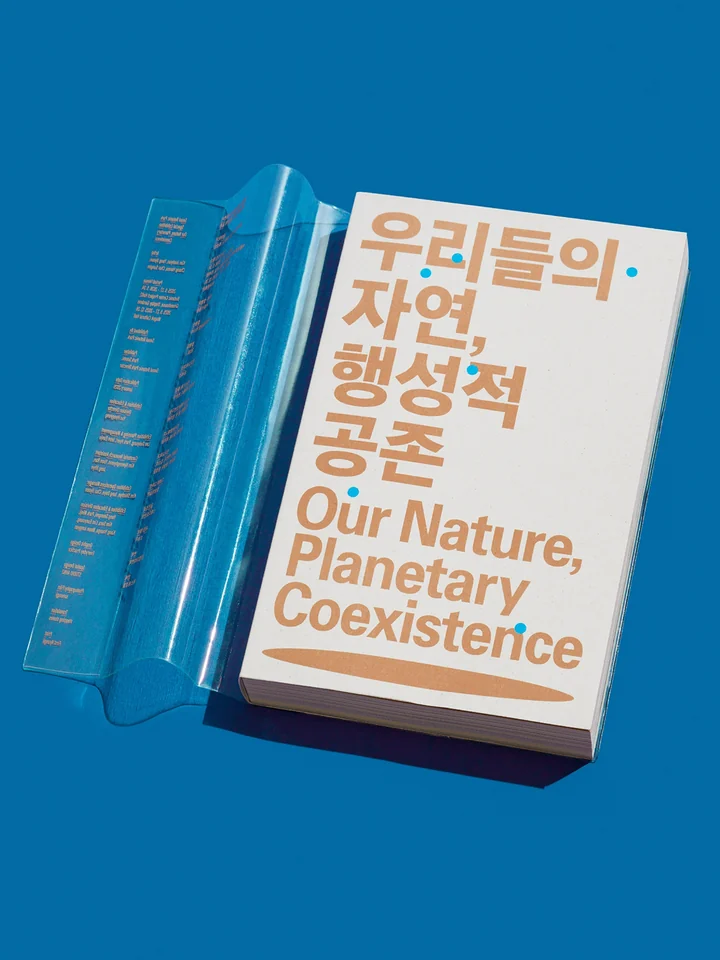
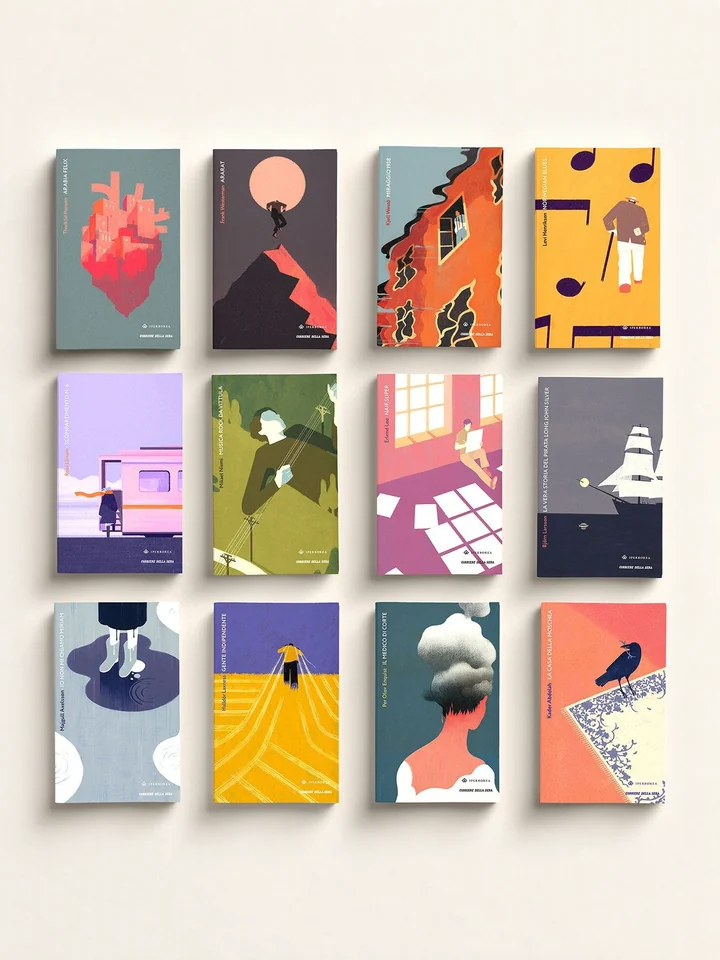
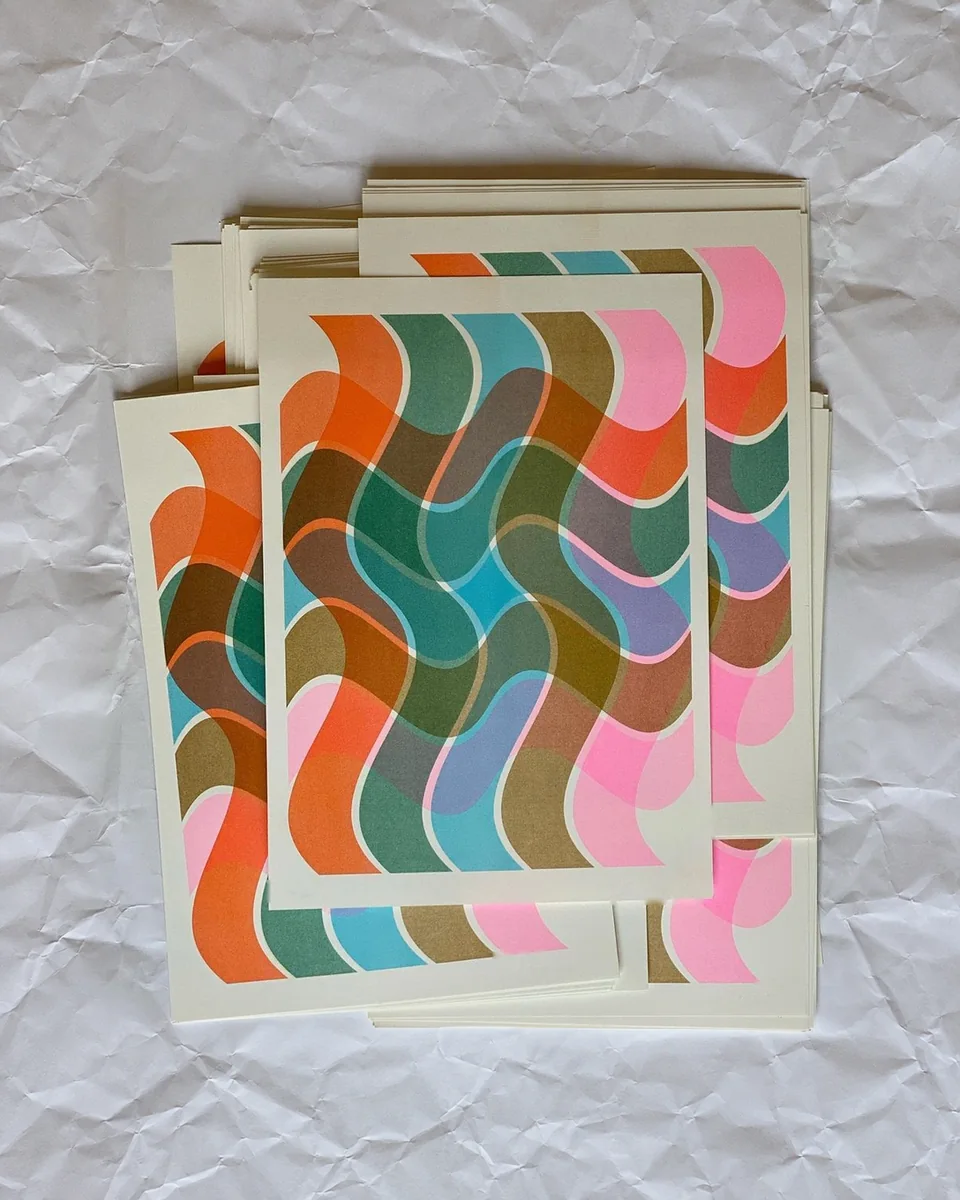
Examples of one visual direction becoming a working sheet, layout, illustration set, character reference, sequence, and motion frame.

A square grid forces a direction to be specific: one cell, one decision, and nowhere to hide a reference that was only pretty. Bring the sketches, the swatches and the found images you already have, and the grid comes back filled and consistent. You edit a cell at a time, so the direction firms up in front of you rather than in a rebuild.

A board can stay agreeable forever. One applied piece, with a fixed shape and a real message, makes a direction commit. Give it the format and the words, and the layout is composed on that artboard with type you can still edit. The argument moves from whether the direction is nice to whether it works at this size.

A cover, two column scenes, three spots that read as one artist. Settle palette, line and detail once, and each new piece is drawn in the style the last one settled, so the set holds together as it grows. Changing your mind re-runs the series rather than starting it.

A board is where framing, order and rhythm can still be argued with for the price of a redraw. Bring the script or the premise and get a readable sequence back, shot by shot, with the same characters and locations holding across the panels. The crew works from it later, and nothing expensive was decided in the dark.

Vertical is where motion work is actually seen. Compose at 9:16 from the start so type stays legible at the size it is read. Frame, type and timing are set together, and the stills and the horizontal cutdown come out of the same composition. Nothing gets reflowed into a shape it was never drawn for.
Closely on palette, materials, framing, and mood; less reliably on exact logos, small type, and precise proportions. Attach the approved asset and review those details before anything ships.
Yes: logos, product shots, colour values, type references, and example layouts all go into the brief with the project. There is no saved brand setting that applies itself, so those inputs are what keep the outputs related.
You can edit it. A flat image can be separated into foreground layers you can move, resize, or replace, and an image can be extended past its original frame when a layout needs a different ratio.
Text inside a generated image is drawn rather than set, so treat it as artwork. Where the type has to be exact, set it as real text on the project canvas over the image instead of asking the model for it.
Yes. Save the instructions and the sequence of steps that worked, then run the next brief through it and change the inputs, rather than rebuilding the method from memory.
No. It takes on production: variants, angles, cleanup, extension. The brief, the references, and every approval stay yours, and generated imagery does not give you pixel-level control, so the details still need looking at.