GPT Image 2 Text Rendering

GPT Image 2 Text Rendering

Generate images with correctly spelled, properly positioned text. GPT Image 2 achieves ~99% character accuracy across Latin scripts, Chinese, Japanese, Korean, Hindi, and Bengali — making it the first AI image model reliable enough for production text in graphics.

Text rendering in AI image generation refers to the model's ability to produce legible, correctly spelled words within generated images. Historically, this has been the weakest point of diffusion-based models — garbled letters, missing characters, and random extra strokes were the norm. The challenge is that text has zero tolerance for error: a single wrong character makes a word unreadable or changes its meaning. GPT Image 2 approaches text differently from diffusion models: its autoregressive architecture processes text tokens the same way it processes language, understanding character sequences rather than trying to draw letter shapes pixel by pixel.

What you can do

~99% character accuracy in Latin scripts

GPT Image 2 reproduces English and other Latin-script text with near-perfect accuracy. Words up to ~30 characters render correctly including capitalization, punctuation, and spacing. This covers most headlines, taglines, product names, and short paragraphs.
CJK character rendering

Chinese, Japanese (hiragana, katakana, kanji), and Korean (hangul) characters render with correct stroke order and proportions. This is a step-change from diffusion models, which typically produce CJK characters with merged, extra, or missing strokes.

Indic script support

Hindi (Devanagari) and Bengali text render with correct conjunct consonants and vowel marks — scripts where even small errors make text illegible. Previous models failed almost entirely on these scripts.

Font style specification via prompt

Describe the font style in your prompt: "bold sans-serif", "elegant serif", "handwritten cursive", "monospaced code font". GPT Image 2 adapts the letterforms to match the described style while maintaining legibility.

Text positioning and layout

Specify where text appears: "centered at the top", "bottom-left corner", "curved along the arch", "inside the speech bubble". The model follows spatial instructions for text placement with reasonable accuracy, though complex layouts (circular text, tight columns) are less reliable.

Get started

How to use

1

Open Sunra Image Generator with GPT Image 2

Go to Sunra Image and select GPT Image 2 from the model dropdown.

2

Include exact text in quotes within your prompt

Put the text you want rendered in quotation marks: *A poster with the text "Summer Sale 50% Off" in bold red letters*. Use quotes to clearly separate the rendered text from the rest of your scene description.

3

Specify font style, size, and position

Add font details: "large bold sans-serif at the top", "small italic serif in the bottom-right corner". The more specific your typography instructions, the closer the output matches your intent.

4

Generate and verify character accuracy

Click Generate and zoom in to verify every character. While accuracy is ~99%, complex words, unusual spellings, or very long text strings can occasionally have errors. Regenerate if needed — results vary between generations.

5

Iterate with multi-turn editing if needed

If the text is correct but other elements need adjustment, use GPT Image 2's editing capability to modify the image without regenerating from scratch. The text will remain intact while you adjust the surrounding design.

Built for creators

Whether you're a solo creator, an agency, or a brand — every model adapts to how you work.

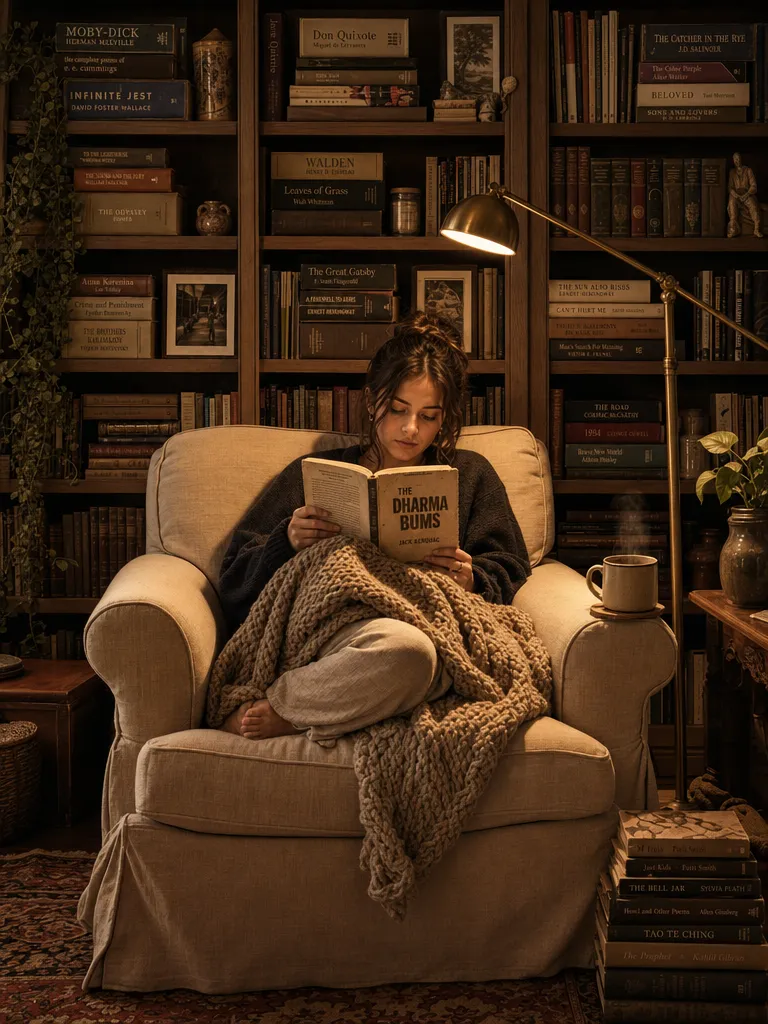
Cozy reading nook portrait

Cozy reading nook portrait

A cozy bookshop window display with a hand-lettered wooden sign that reads "OPEN YOUR MIND" in warm brown serif letters. Stacked vintage books, a steaming mug, and fairy lights in the background. Soft focus, warm tones.

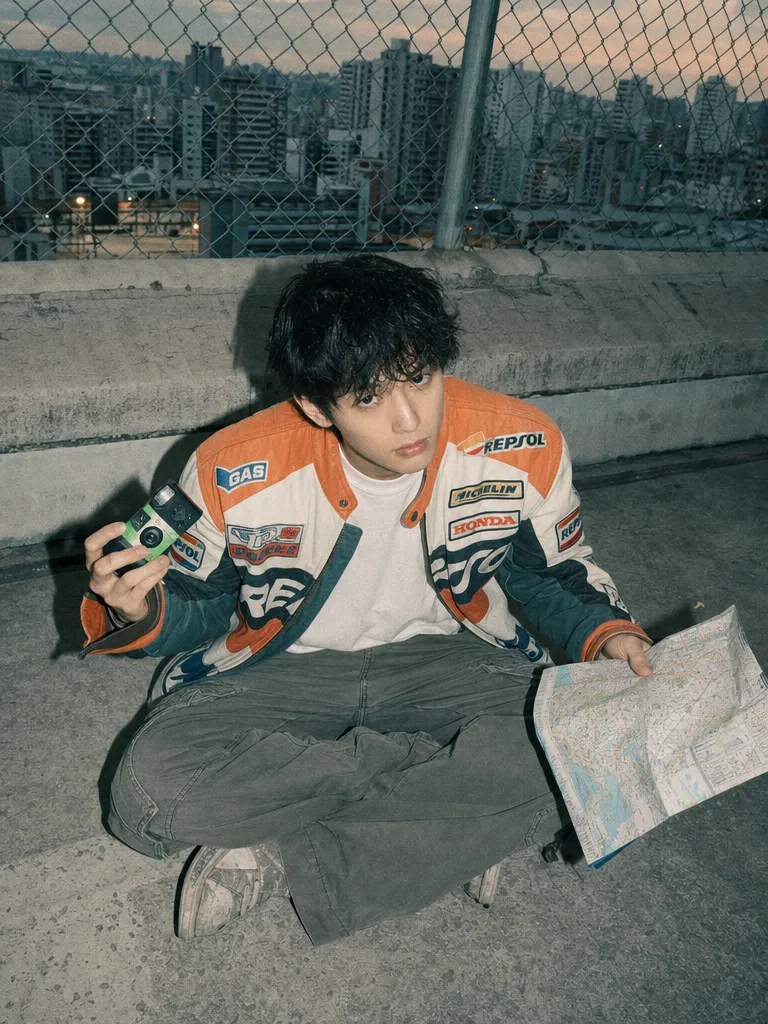
Lo-fi digicam editorial

Lo-fi digicam editorial

A retro magazine cover with bold headline text "FILM IS NOT DEAD" in large white Impact font across the top. Below, a young photographer holding a 35mm camera, lo-fi digicam aesthetic, grain overlay, muted pastel background.

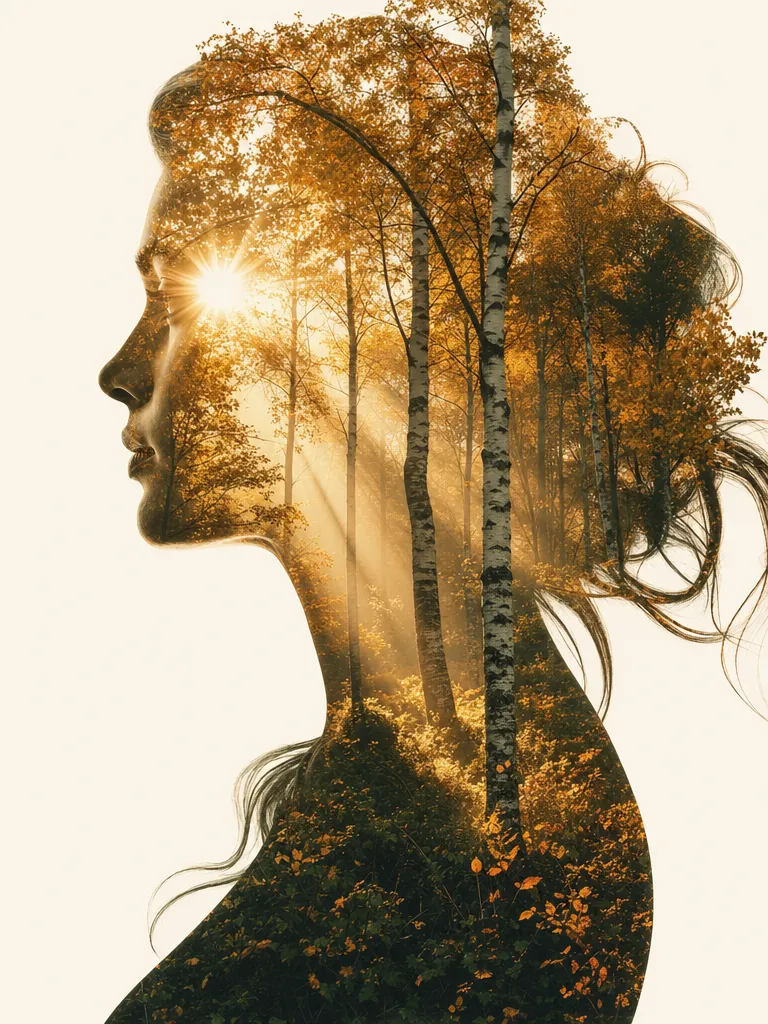
Double exposure portrait

Double exposure portrait

A motivational poster with the quote "CREATE SOMETHING TODAY" in clean black sans-serif font centered on a cream background. Below in smaller text: "even if it's imperfect". Minimalist design, thin gold border frame.

Copy & use

Prompt templates

Event poster

A concert poster for a jazz night. Large text at the top: "BLUE NOTE SESSIONS" in gold serif font. Below: "Friday, June 20 · 8PM" in white sans-serif. Background: a smoky blue stage with a silhouetted saxophone player. Dark blue and gold color scheme. Portrait orientation.

Model: GPT Image 2 · Aspect: 2:3 · Quality: High

Product packaging

A minimal coffee bag design. The brand name "DAWN ROASTERS" in clean black sans-serif centered on a kraft paper bag. Below the name: "Single Origin · Ethiopia Yirgacheffe · Medium Roast" in smaller text. Simple line drawing of a coffee plant branch. Clean, premium feel.

Model: GPT Image 2 · Aspect: 3:4 · Quality: High

CJK text in design

A modern Japanese restaurant menu header. Text: "鉄板焼き" (Teppanyaki) in large brushstroke-style calligraphy at the center. Below in smaller text: "炭火焼肉 · 寿司 · 天ぷら". Minimalist white background with a thin red line accent. Clean, elegant layout.

Model: GPT Image 2 · Aspect: 16:9 · Quality: High

Meme with text

A golden retriever wearing reading glasses sitting at a desk with a laptop. Top text: "WHEN THE MEETING COULD HAVE BEEN AN EMAIL" in bold white Impact font with black outline. Bottom text: "BUT HERE WE ARE" in the same style. Office background, bright lighting.

Model: GPT Image 2 · Aspect: 1:1 · Quality: Standard

Who it's for

Use cases

Social media graphics with overlay text

Create Instagram carousels, Twitter/X banners, and LinkedIn post graphics with readable headlines and body text baked into the image. No Canva or Photoshop layer needed — the text is part of the generation. Generate 10 variations for A/B testing in minutes.

Product mockups with real branding

Generate product packaging mockups showing your actual brand name, tagline, and ingredient lists. Create T-shirt designs with printed text, book covers with titles and author names, or app screenshots with realistic UI text. The text reads correctly at a glance.

Meme and reaction image creation

Generate memes with top/bottom text that is actually readable. Previous AI models made memes unusable because the text was garbled. GPT Image 2 produces clean, correctly spelled text in Impact, Arial, or any described font style.

Multilingual marketing materials

Create ad visuals for international campaigns where the headline text is in Chinese, Japanese, Hindi, or Korean. Previously required a designer to overlay text manually. Now a single prompt produces the complete visual with correctly rendered non-Latin text.

Compare

Text Rendering: GPT Image 2 vs Other Models

GPT Image 2Other Models
Latin text accuracy~99% character accuracy for words up to 30 charactersMidjourney V8: improved but still ~85–90%. Flux: ~95% for short text. Stable Diffusion: ~70–80%
CJK renderingCorrect stroke order and proportions for Chinese, Japanese, KoreanMost models produce garbled or merged strokes in CJK. Flux handles some Japanese but struggles with complex kanji
Indic scriptsDevanagari and Bengali with correct conjuncts and vowel marksVirtually no other image model handles Indic scripts reliably
Font style controlResponds to descriptive font instructions (serif, sans-serif, handwritten, monospaced)Limited or no font style control in most models. Midjourney offers some but less consistent
Max reliable text length~30 characters per text element, multiple text elements per imageMost models degrade beyond 10–15 characters. Nano Banana Pro handles ~20 characters well
Get the best results

Tips & best practices

Put exact text in quotation marks

Always enclose the text you want rendered in quotes within your prompt. "Summer Sale" gives better results than just writing Summer Sale in the scene description. The quotes signal to the model that these characters must appear verbatim.

Keep individual text elements under 30 characters

Accuracy drops for very long text strings. If you need a paragraph, break it into separate lines in your prompt description: "first line says X, second line says Y". Each line renders more accurately than a single long block.

Specify contrast between text and background

Text is only useful if it's readable. Explicitly describe the contrast: "white text on dark blue background", "black text on light cream surface". Without this, the model may place text on busy backgrounds where it's hard to read.

Verify every character before using commercially

~99% accuracy means roughly 1 in 100 characters may be wrong. For a 10-word headline, that's usually fine. For a 200-word product label, expect a few errors. Always zoom in and read every word before using the image in production. Regenerate if any characters are off.

Community

Loved by creators worldwide

Join thousands of creators, agencies, and brands who use Sunra every day.

Character consistency is the win

Keeping the same character across a multi-scene piece used to be a nightmare. Sunra's consistency tools make it trivial. I'm writing actual episodic content now.

AO
Amara Ochieng
Narrative Creator

Cut our pre-production costs in half

We prototype every scene in Sunra before we shoot. Directors see framing, pacing, and mood before a single camera rolls. It's become essential to our pre-vis workflow.

JW
James Whitfield
Production Supervisor

Canvas → Video is a superpower

I sketch a scene in Canvas, generate the video from it, and iterate on motion without losing the composition. No other tool chains these steps this cleanly.

FA
Fatima Al-Sayed
Concept Artist

Our social engagement tripled

We started posting Sunra-made reels twice a day. Three months in, follower growth is up 240% and our CPMs dropped because the content actually holds attention.

LP
Lena Petrova
Social Media Strategist

Kling 3.0 outputs are production-ready

I stopped color-grading AI videos after I tried Sunra's Kling. The lighting and motion are consistent enough that I drop clips straight into Premiere and publish.

IM
Isabela Mendes
Brand Video Editor

Image-to-video for product drops

We photograph the product once, then Sunra turns the stills into kinetic launch videos across ten formats. One-day output we used to budget two weeks for.

JW
Jonas Weber
DTC Brand Founder
FAQ

Questions & answers

Which AI model is best for generating images with text?
GPT Image 2 has among the highest text rendering accuracy of any AI image generator — ~99% for Latin scripts and reliable CJK and Indic script support. Nano Banana Pro is the next closest for Latin text.
Can GPT Image 2 render text in Chinese or Japanese?
Yes. GPT Image 2 renders Chinese characters, Japanese hiragana/katakana/kanji, and Korean hangul with correct stroke structure. Specify the language and text in your prompt. Try it on Sunra Image.
Why does AI-generated text usually look garbled?
Traditional diffusion models generate images pixel by pixel and don't understand character sequences — they approximate letter shapes visually rather than encoding them as text. GPT Image 2 uses an autoregressive architecture that processes text tokens sequentially, similar to how it processes language, which is why its text output is more accurate. Compare models on Sunra's image generator.
How long can text strings be in GPT Image 2?
Individual text elements are reliable up to ~30 characters. You can include multiple text elements in one image (headline, subheading, fine print). Beyond 30 characters per element, accuracy drops. For longer text, break it into separate lines in your prompt. See best practices above.
Can I specify the font in my prompt?
You can describe the font style and the model will approximate it: "bold sans-serif", "elegant serif", "hand-lettered script", "monospaced typewriter font". It won't match a specific named font (e.g., Helvetica), but it captures the general style. Generate on Sunra.
How does GPT Image 2 text compare to Midjourney V8 text?
Midjourney V8 improved text rendering significantly over earlier versions but still produces errors in ~10–15% of characters, especially in longer strings and non-Latin scripts. GPT Image 2 is more reliable for text-heavy designs. Midjourney is still stronger for overall artistic aesthetic — so the choice depends on whether text accuracy or visual style is your priority.
Is GPT Image 2 text rendering free to use?
Yes. Sunra provides free daily credits for GPT Image 2 including its text rendering capabilities. No separate charge for text accuracy — it's built into the model. See pricing for details beyond the free tier.

Ready to create?

Start with free daily credits. No credit card required.