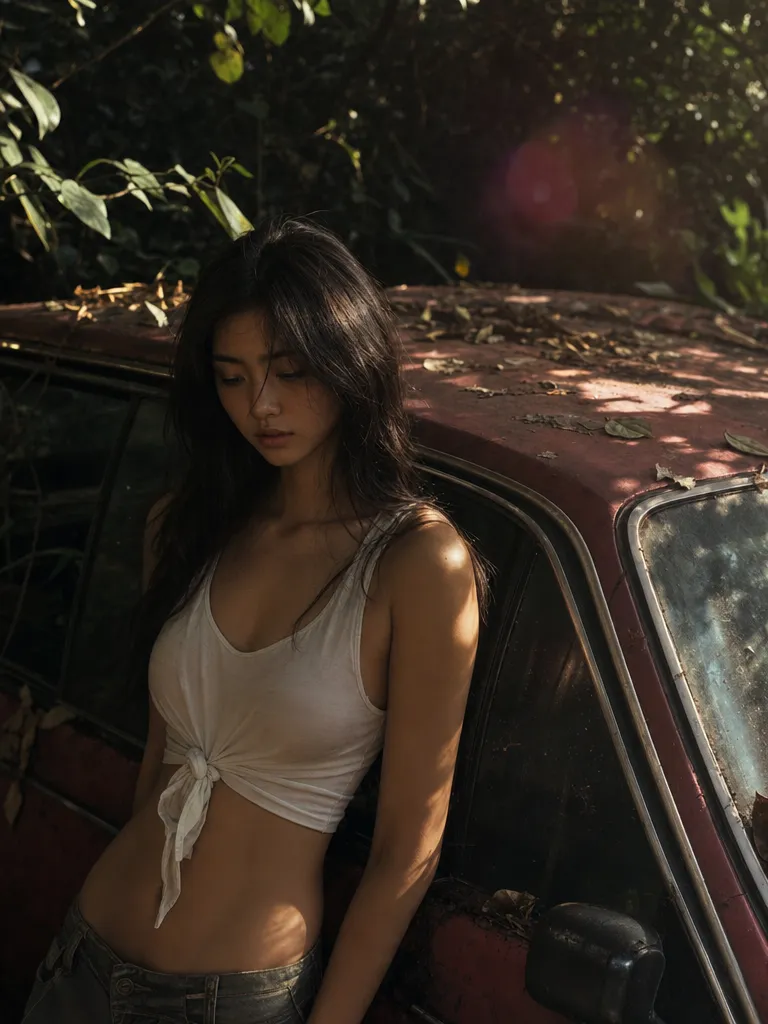
Cinematic camera language
Dolly in, crane up, whip pan, tracking shot — Veo 3.1 has the most advanced camera direction of any model. Your direction survives into the final shot instead of being ignored.
Create studio-grade AI videos with Google Veo 3.1 on Sunra — 4K output, native audio, and cinematic camera control. Part of a Sunra subscription.
Try Veo 3.1$1.19/ 8-second video
720p · Creator annual, with full credit use.
$63.00/month, billed $756.00/year.
MCP uses plan credits. API is billed separately.
USD per video · 720p · 16:9 · Audio on · No reference media
| Platform / plan | USD | |
|---|---|---|
 Sunra MCPCreator annual | 4 seconds: $0.596 seconds: $0.898 seconds: $1.19 | |
 OpenArtWonder, yearly | 8 seconds: $1.78 | |
 HiggsfieldUltra 9K, yearly | 8 seconds: ≈ $2.40 | |
 falAPI | 8 seconds: $3.20 |
Creator includes 17,000 credits a month for $756.00 a year. An 8-second clip at these settings uses 320 credits.
Plan figures assume you use every included credit; they are not a price for one video. Extra credits, discounts and unlimited allowances are not counted, and other settings change the price.
The Sunra API bills a separate pay-as-you-go balance. See the API quickstart and pricing documentation.
Prices come from official pricing pages, model documentation and public generator quotes at matching settings. Offers may change. Compare other settings in the MCP cost calculator.
Native audio, accurate camera language, and prompt adherence you can direct. Veo 3.1 is the most controllable video model available today.
Dolly in, crane up, whip pan, tracking shot — Veo 3.1 has the most advanced camera direction of any model. Your direction survives into the final shot instead of being ignored.
Synced dialogue, footsteps, room tone, wind — rendered together with the video. No post-production audio layer required for a polished result.
What you write is what you get. Veo 3.1 reliably executes complex, multi-clause prompts without dropping half the details the way earlier models do.
Faces and hands hold their form across the clip. No uncanny drift, no warping fingers — character identity stays stable from first frame to last.
Sign in, and Sunra opens with Veo 3.1 already picked. New accounts start with free daily credits, no card needed.
Optional: add an image to start the clip from, or to set the look. Text alone works too.
Write it like a director: who is in it, what happens, how the camera moves and how the scene is lit.
Pick the aspect ratio and length, then generate. Each take lands in your project, where you can compare takes, tweak the prompt and go again.
Veo 3.1 improves audio quality, prompt adherence on complex prompts, and character consistency across frames. Camera control language is also more reliable — direction words like 'tracking shot' and 'dutch angle' execute correctly much more often.
Up to 8 seconds per generation at launch quality. Chain multiple generations in Sunra Flow for longer sequences that keep the same characters.
Yes. Dialogue, ambient sound, and music are all generated natively as part of the video — synced to the action, not layered on after.
Kling 3.0 excels at multi-shot cohesion and lip-sync; Veo 3.1 leads on cinematic camera direction and native audio quality. For narrative work where camera language matters, choose Veo. For character-driven dialogue scenes, try Kling first.
Yes. Every Sunra account gets daily free credits that work with Veo 3.1. Heavier usage or priority queue requires a subscription.
Yes. Upload a reference image on the Sunra video generator and Veo 3.1 will use it as the first frame.
Free daily credits cover several generations. Beyond that, credits are consumed per render — check the pricing page for exact per-clip costs. Subscriptions include a weekly allowance that significantly reduces the per-video price.
Veo 3.1 Fast renders in roughly half the time at a small cost in fine-detail fidelity. Use Fast for drafting and iteration, standard Veo 3.1 for final delivery and broadcast-quality output.
Yes. Use Sunra Flow to chain generations while keeping the same characters, style, and continuity. Each clip is up to 8 seconds, so a 5-clip chain gives you roughly 40 seconds of coherent footage.