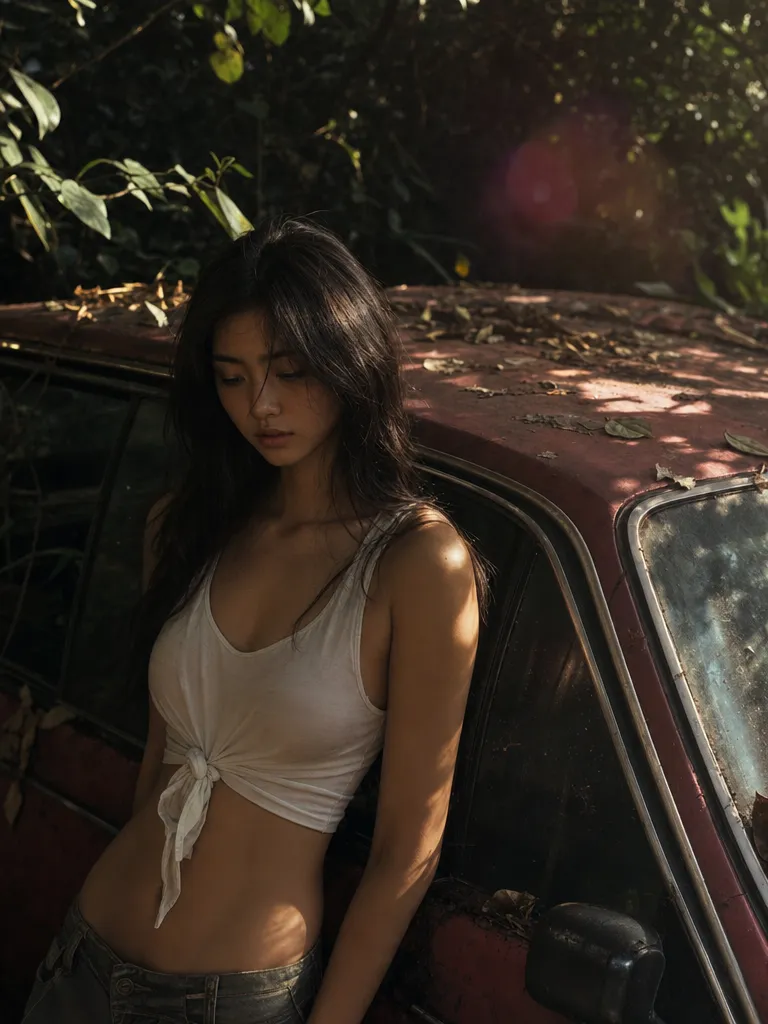
Video-to-video with intent
Give O3 a clip and a prompt. It restyles the whole sequence — lighting, palette, character look — while keeping the underlying motion intact.
Generate and edit video with Kling O3 on Sunra — text-to-video, image-to-video, and video-to-video editing up to 15 seconds. Part of a Sunra subscription.
Try Kling O3$0.26/ 5-second video
Kling O3 Pro · 1080p · Creator annual, with full credit use.
$63.00/month, billed $756.00/year.
MCP uses plan credits. API is billed separately.
USD per video · 1080p · 16:9 · Audio on · No reference media
| Platform / plan | USD | |
|---|---|---|
 Sunra MCPCreator annual | 5 seconds: $0.2610 seconds: $0.5215 seconds: $0.78 | |
 HiggsfieldUltra 9K, yearly | 5 seconds: $0.30 | |
 OpenArtWonder, yearly | 5 seconds: $0.33 | |
 falAPI | 5 seconds: $0.70 |
Creator includes 17,000 credits a month for $756.00 a year. A 5-second clip at these settings uses 70 credits.
Plan figures assume you use every included credit; they are not a price for one video. Extra credits, discounts and unlimited allowances are not counted, and other settings change the price.
The Sunra API bills a separate pay-as-you-go balance. See the API quickstart and pricing documentation.
Prices come from official pricing pages, model documentation and public generator quotes at matching settings. Offers may change. Compare other settings in the MCP cost calculator.
Kling O3 is Kuaishou's editing-first model. Restyle, change wardrobe, swap backgrounds, or direct motion — without re-shooting a single frame.
Give O3 a clip and a prompt. It restyles the whole sequence — lighting, palette, character look — while keeping the underlying motion intact.
Swap a jacket, change the background, replace a prop. O3 isolates regions inside motion so your edit doesn't leak into the rest of the frame.
Apply a reference look — film stock, illustration style, painterly pass — to an entire clip in one pass instead of frame-by-frame.
O3 inherits Kling's physics and character handling, so edits stay grounded. Clothes still fold right, hair still swings with the body.
Sign in, and Sunra opens with Kling O3 already picked. New accounts start with free daily credits, no card needed.
Optional: add an image to start the clip from, or to set the look. Text alone works too.
Write it like a director: who is in it, what happens, how the camera moves and how the scene is lit.
Pick the aspect ratio and length, then generate. Each take lands in your project, where you can compare takes, tweak the prompt and go again.
Kling 3.0 is the flagship text-to-video model — it generates video from scratch. Kling O3 is tuned for editing existing video — style transfer, object swaps, video-to-video. Use 3.0 to create, O3 to restyle.
For the video-to-video modes, yes. O3 also supports text-only generation where the editing heuristics carry forward into the generated clip.
Yes. Character identity survives style transfer and restyle passes — the person in the edit still looks like the person in the source.
Up to 15 seconds per edit in most modes. Chain edits in Flow if you need longer sequences.
No — it replaces specific tasks that used to require VFX work: style passes, wardrobe fixes, background swaps. Your editor still cuts the film.
Up to 1080p at 24 fps. The restyled output matches the source clip's resolution with no quality loss from the editing pass.
Veo 3.1 excels at prompt-adherent generation with strong camera control. Kling O3 excels at editing existing footage. They solve different problems — use Veo 3.1 to generate new clips, O3 to restyle or fix existing ones.
Yes. Upload a style reference image alongside your source clip and O3 will match the visual tone — color palette, lighting mood, texture style — across the entire edit.
Free daily credits cover several O3 edits. Beyond that, credits are deducted from your wallet or subscription allowance. Cost per edit is comparable to a Kling 3.0 generation.