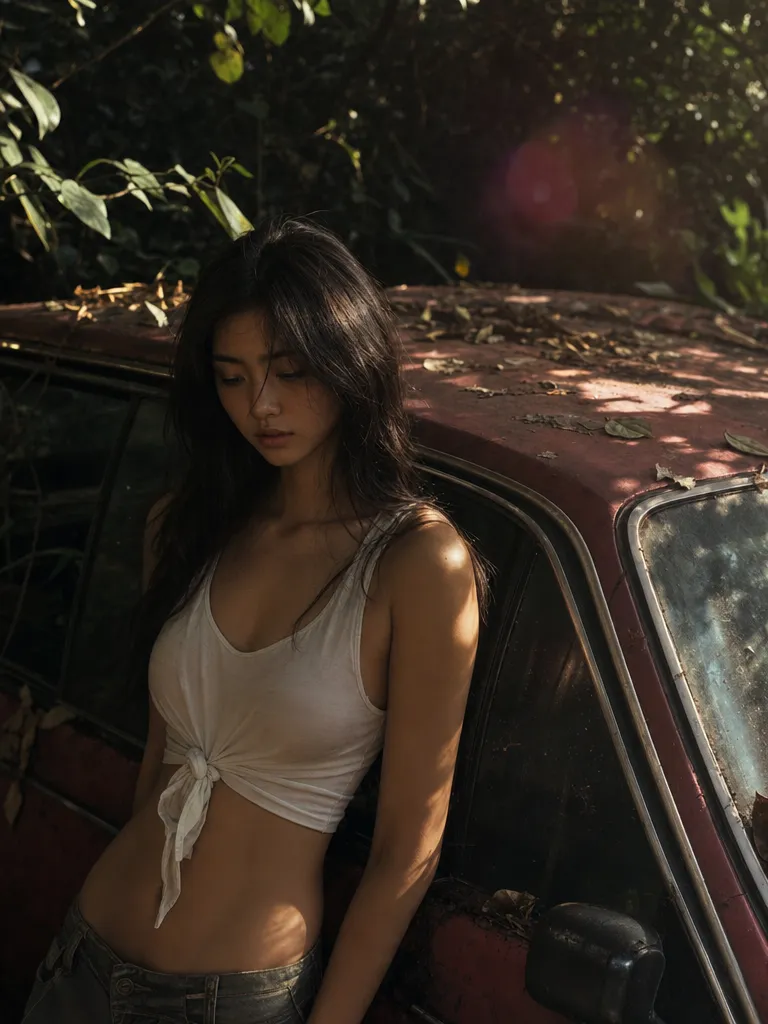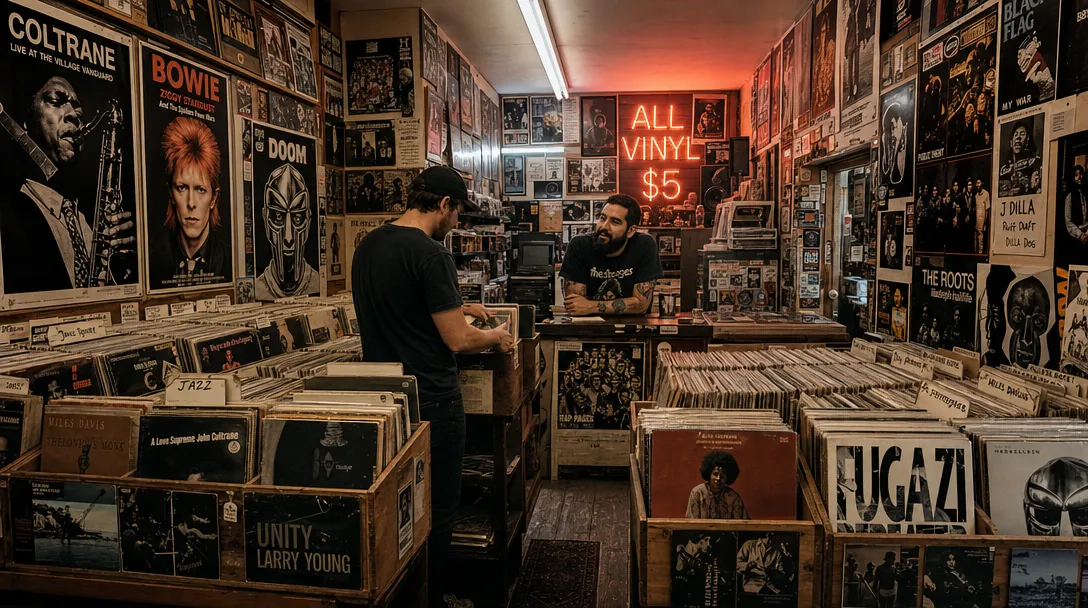
Aesthetic quality that feels art-directed
GPT Image 2 renders lighting, texture, and composition at a level that reads as deliberate rather than generated. Defaults land close enough that most briefs need one pass, not five.

Run GPT Image 2 (ChatGPT Image 2.0) on Sunra — OpenAI's image model with strong prompt adherence and subject fidelity across edits, up to 4K. Free daily credits.
Try GPT Image 2$0.082/ image
1K · High quality · Creator annual, with full credit use.
$63.00/month, billed $756.00/year.
MCP uses plan credits. API is billed separately.
USD per image · High quality · 1:1
| Platform / plan | USD | |
|---|---|---|
 Sunra MCPCreator annual | 1K: $0.0822K: $0.164K: $0.27 | |
 HiggsfieldUltra 9K, yearly | 1K: $0.14 | |
 OpenArtWonder, yearly | 1K: $0.17 | |
 falAPI | 1K: $0.21 |
Creator includes 17,000 credits a month for $756.00 a year. One image at these settings uses 22 credits.
Plan figures assume you use every included credit; they are not a price for one image. Extra credits, discounts and unlimited allowances are not counted, and other settings change the price.
The Sunra API bills a separate pay-as-you-go balance. See the API quickstart and pricing documentation.
Prices come from official pricing pages, model documentation and public generator quotes at matching settings. Offers may change. Compare other settings in the MCP cost calculator.
The successor to GPT Image 1.5 — the model ChatGPT ships as ChatGPT Image 2 (Images 2.0). Sharper detail, more reliable composition, and subject fidelity that actually holds across edits. On Sunra you get the same model with low, medium, and high quality tiers, no OpenAI account or API key needed. Reach for GPT Image 2 when the brief is unforgiving.
GPT Image 2 renders lighting, texture, and composition at a level that reads as deliberate rather than generated. Defaults land close enough that most briefs need one pass, not five.
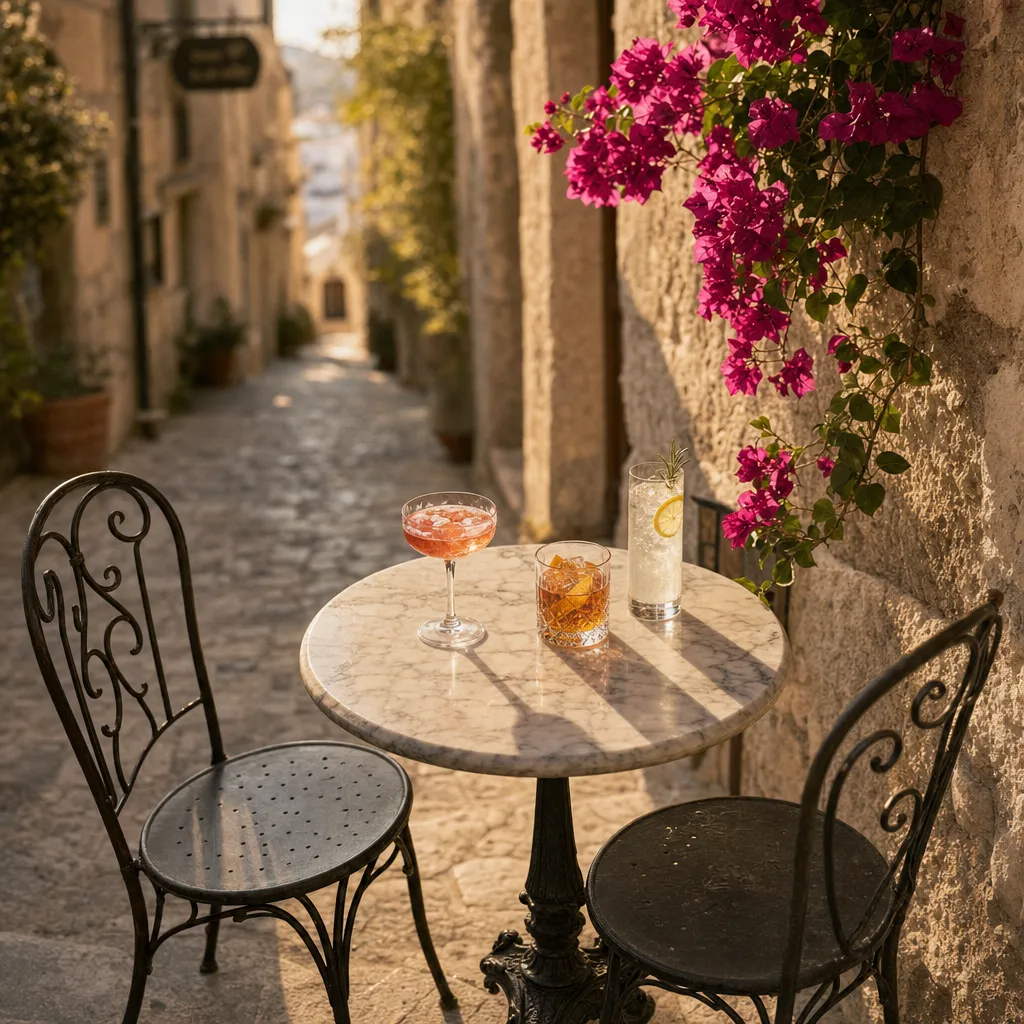
Multi-subject scenes, specified poses, exact color palettes, legible in-image text — GPT Image 2 resolves the whole prompt instead of picking the easy half. Compare it against other generators with the same prompt to see the difference.

Upload a reference and iterate. GPT Image 2 keeps the face, product, or brand element stable across edits — no drift, no 'close but not the same person'.

Text-to-image and image editing run through the same model on Sunra. Drop in up to 10 reference images for compositional edits, or start from a blank prompt — same quality floor either way. Then turn your best image into a video clip without leaving the platform.
Sign in, and Sunra opens with GPT Image 2 already picked. New accounts start with free daily credits, no card needed.
Optional: add a photo to edit, or reference images for a style, a product or a face to keep. Text alone works too.
Say what is in the frame, the style, the light and the framing. Put any words that should appear in the image in quotes.
Pick the aspect ratio, then generate. Results land in your project: keep the best one, edit it with a follow-up prompt, or turn it into a video.
GPT Image 2 upgrades prompt adherence, composition stability, and subject fidelity across edits. If you were already on the previous generation, GPT Image 2 is the drop-in upgrade — same surface, better output. Our side-by-side breakdown covers every dimension.
Yes. Upload up to 10 reference images, describe the edit, and GPT Image 2 runs the image-editing endpoint automatically. No separate model to pick.
GPT Image 2 leads on instruction-following, text inside images, and brand-color accuracy. Nano Banana Pro still leads on surgical localized edits and multi-reference blending. Most teams keep both on hand.
GPT Image 2 wins on prompt precision, text rendering, and brand-color accuracy. Midjourney V8 wins on cinematic mood and aesthetic defaults. Use GPT Image 2 for commercial/brand work; use Midjourney for editorial and artistic exploration.
Yes. On Sunra, GPT Image 2 exposes three quality tiers — low, medium, and high (the default) — and 1K, 2K, or 4K output. Lower tiers cost fewer credits, so use them for drafts and switch to high for the final render; the credit price is shown before you generate. Background stays on auto, which lets the model decide from your prompt — see the next question for transparent output.
Yes. GPT Image 2 can generate images with transparent backgrounds natively — useful for product cutouts, stickers, and compositing workflows.
Yes. All content generated through Sunra is licensed for commercial use under our terms of service.
Free daily credits include GPT Image 2. Heavier usage rolls onto your wallet balance or subscription allowance. No credit card required to start.
Yes. After generating an image, click the Image to Video button to animate it using models like Kling 3.0 or Seedance 2.0. The entire workflow stays on Sunra.
Seedream 5.0 excels at visual reasoning and multi-subject composition. GPT Image 2 leads on text-in-image accuracy, brand-color fidelity, and editing with multiple references. Both are top-tier — pick based on the specific task.