Nano Banana 2
Pro Quality at Flash Speed

Nano Banana 2 Pro Quality at Flash Speed

The model behind the Nano Banana edit trend — now in a speed-tuned tier that keeps the precision and drops the wait. Quick enough to feel live.

Features

Why Nano Banana 2

Precision edits, zero masking

Describe the change — 'replace the jacket with a denim one' — and Nano Banana 2 isolates and edits the region. No brushwork, no selection tools, no Photoshop layers. The model figures out what to change and what to keep from your prompt alone.


Flash-speed rendering

Most edits return in under 5 seconds. Fast enough to iterate naturally — ask, look, refine — the way you'd work with a live designer. When you need maximum quality over speed, switch to Nano Banana Pro for 4K output.

Character and product consistency

Upload a reference face or product. Nano Banana 2 keeps it identical across every render — no drift, no subtle shifts. The reason it's a go-to for e-commerce catalogs and social media campaigns where brand identity must stay locked.

Natural-language control

Multi-step prompts land. 'Make the lighting warmer, keep the blue hat, add a coffee cup in her left hand' — all applied together, not piecemeal. Nano Banana 2 follows the entire instruction set where most models silently drop the hard parts.

Multi-reference blending

Combine up to three reference images — composition from one, style from another, subject from a third. Build complex shots from parts instead of fighting the model. Compare side-by-side on Canvas to see how references merge.

Text rendering in images

Nano Banana 2 renders legible text inside images — logos, signage, UI mockups, memes. Unlike older diffusion models that garble letters, Nano Banana 2 produces clean, readable typography you can use directly.

Get started

How to use Nano Banana 2

1

Open the AI image generator

Go to Sunra Image and select Nano Banana 2 from the model dropdown. No account required to start — free daily credits are available immediately.

2

Describe your image or upload a reference

Type a prompt describing what you want to create or edit. For edits, upload an existing image and describe the changes — 'remove the background', 'change hair color to blonde', 'add sunglasses'. For new images, describe the scene in detail.

3

Generate and iterate

Click Generate and wait a few seconds. Review the result, then refine your prompt or upload a new reference to iterate. Nano Banana 2's speed means you can try 10+ variations in the time other models finish one.

4

Download or continue editing

Download your final image in full resolution. Want to take it further? Turn it into a video clip with one click, or open it in Canvas to compare against other models side-by-side.

Showcase

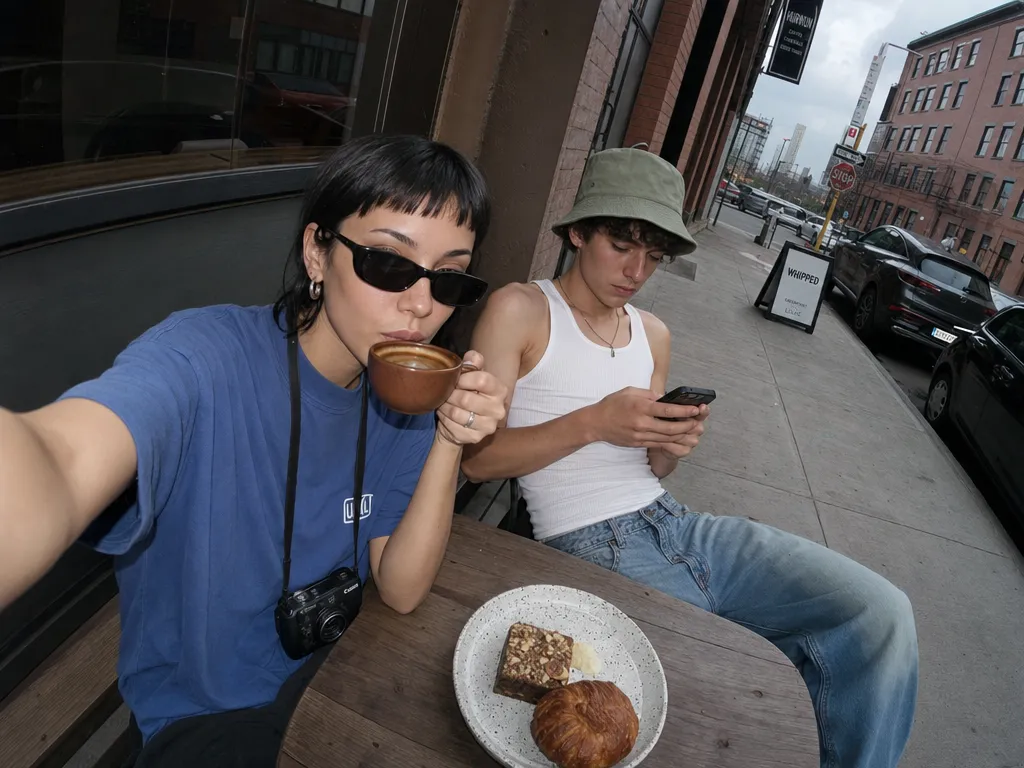
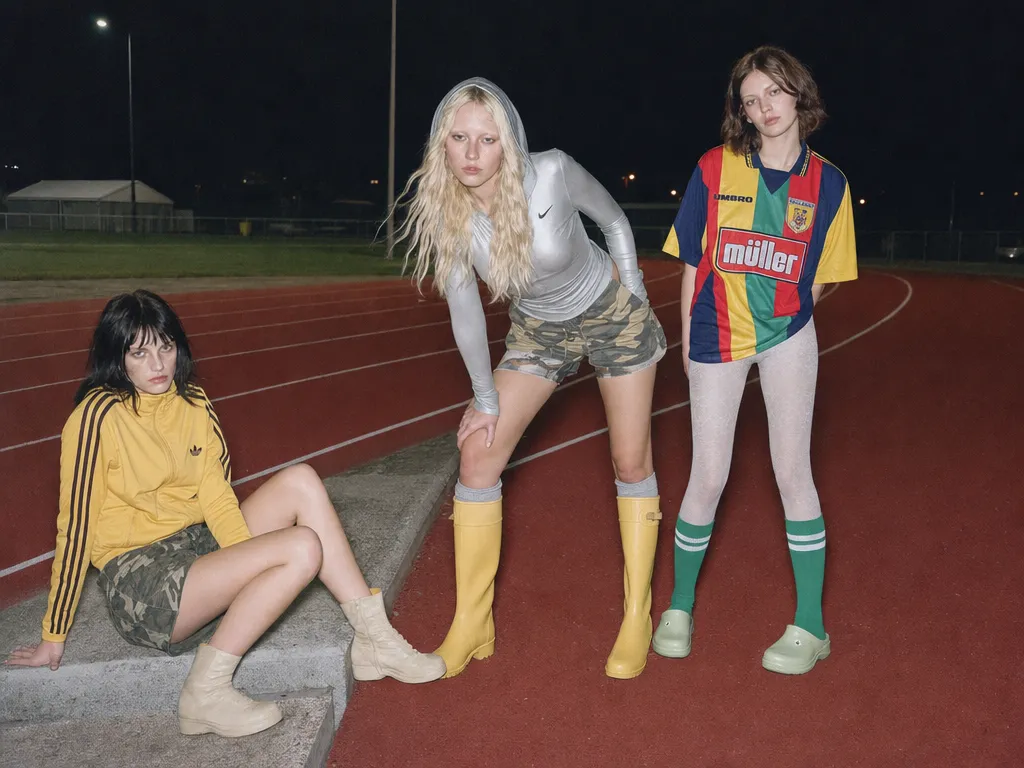
Made with Nano Banana 2

Who it's for

Use cases

E-commerce product photography

Swap backgrounds, change product colors, add lifestyle context — all from a single product photo. Nano Banana 2's consistency means every variant looks like it came from the same photoshoot. No reshoots, no studio time.

Social media content at scale

Create platform-specific variants of the same visual in seconds. Resize, restyle, swap copy — Nano Banana 2's speed lets a single creator produce what used to require a design team. Pair it with AI video generation for full campaigns.

Brand asset iteration

Lock a brand's visual identity — logo, colors, character — and generate dozens of on-brand variations. Nano Banana 2's reference consistency ensures every output stays within brand guidelines, from ad creatives to presentation decks.

Rapid prototyping and mockups

Generate UI mockups, app screenshots, or physical product concepts from text descriptions. Iterate on layouts and styles in real-time. Faster than Figma for early-stage exploration where pixel-perfection isn't the goal yet.

Community

Loved by creators worldwide

Join thousands of creators, agencies, and brands who use Sunra every day.

Replaced my entire product shoot workflow

Our e-commerce team generates 50+ product variants a day with NB2 — different colors, angles, backgrounds. We cancelled our studio retainer. The 3-second turnaround means I can iterate during client calls in real time.

PC
Pete Conrad
E-commerce Lead

87% text accuracy is good enough for social

I make quote graphics and promo cards daily. NB2 nails headlines and short CTAs. For dense body text I switch to GPT Image 2, but 90% of my work stays on NB2.

SC
Samantha Cross
Social Media Manager

4× faster than Pro, can't tell the difference

I ran the same 20 prompts on NB2 and Pro side by side. Quality difference was marginal for web-size output. But NB2 finished the batch in 2 minutes while Pro took 8. I only use Pro for print-res finals now.

LF
Lauren Frost
Freelance Designer

Character consistency actually works

Maintaining the same face across a 12-image campaign used to mean hours of Photoshop. NB2 preserves identity for up to 4 characters at once — I tested it with our brand mascot across seasonal variants. Zero drift.

AD
Amara Diallo
Brand Creative Director

The Thinking Level feature is underrated

For simple edits I keep it low and get results in 3 seconds. For complex multi-element compositions I crank it up — the model actually reasons through spatial relationships before rendering. No other image model does this.

MD
Mike Doyle
AI Content Creator

Best cost-to-quality ratio on the market

At $0.045 per image we generate 1,000+ assets a month for under $50. The same volume on GPT Image 2 high quality would cost over $200. For our agency's margins, NB2 is the obvious default.

DW
Dana Webb
Agency Operations
FAQ

Questions & answers

Nano Banana 2 vs Nano Banana Pro — what's the difference?
Nano Banana Pro is tuned for maximum quality — 4K output, the slowest but most detailed rendering. Nano Banana 2 is tuned for speed at near-Pro fidelity — ideal for iteration, A/B tests, and anywhere render-latency matters. Think of Pro as your final-render model and Nano Banana 2 as your daily driver.
When should I pick Nano Banana 2 over GPT Image 2?
Nano Banana 2 is faster and better at surgical localized edits — changing one element while preserving everything else. GPT Image 2 leads on from-scratch generation, text-in-image accuracy, and brand-color precision. Most creators keep both on hand and pick based on the task.
Can Nano Banana 2 generate images from scratch or only edit?
Both. It handles text-to-image generation and image editing equally well. Its editing capabilities are its standout feature, but it generates clean images from prompts too — especially photorealistic portraits, products, and scenes.
Does Nano Banana 2 support character consistency across images?
Yes — upload a reference face or character and Nano Banana 2 keeps it identical across every render. No drift, no subtle shifts between generations. This is the main reason e-commerce and marketing teams use it for campaign work.
How fast is Nano Banana 2 compared to other models?
Most edits return in under 5 seconds. For comparison, Nano Banana Pro takes 15–30 seconds for similar edits, and Midjourney V8 can take over a minute. Nano Banana 2 is fast enough to iterate in real-time.
Does it need a mask or bounding box for edits?
No. Describe the edit in plain English and Nano Banana 2 figures out the region itself. 'Remove the background', 'change the hat to red', 'add a coffee cup on the table' — the model isolates the right area automatically.
Can I use Nano Banana 2 for commercial projects?
Yes. All content generated through Sunra is licensed for commercial use under our terms of service. No additional licensing fees.
Is Nano Banana 2 free on Sunra?
Yes. Free daily credits include Nano Banana 2. Heavier usage rolls onto your wallet balance or subscription allowance. No credit card required to start.
How does Nano Banana 2 compare to Seedream 5?
Seedream 5 is a pure generation model — great for creating images from scratch with artistic flair. Nano Banana 2 is an edit-first model — best when you have an existing image and want to modify it precisely. Use Seedream 5 for creative exploration, Nano Banana 2 for controlled edits.
Can I turn Nano Banana 2 images into videos?
Yes. After generating or editing an image, click the Image to Video button to animate it using models like Kling 3.0 or Seedance 2.0. The entire workflow stays on Sunra — no downloads or re-uploads needed.

Ready to create?

Start with free daily credits. No credit card required.