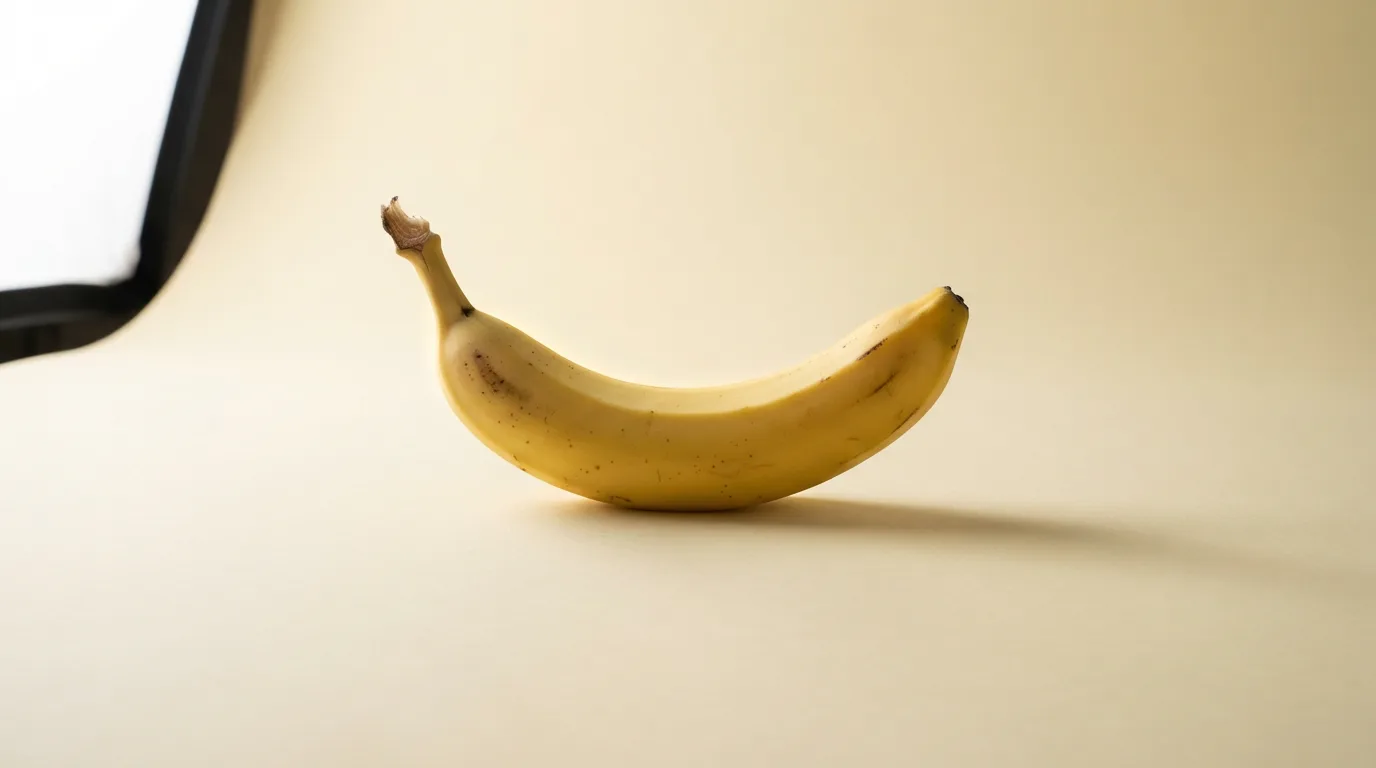
Seedream 4.5
High-Fidelity Images, Fast

Seedream 4.5 High-Fidelity Images, Fast

The Seedream generation that became a production workhorse. Sharp detail, strong prompt adherence, and the fastest turnaround in ByteDance's image lineup.

Features

Why Seedream 4.5

Production-proven reliability

4.5 is the generation that brands adopted. Prompts behave predictably, output quality is consistent across batches, and iteration is cheap.

Fast enough to iterate

Generate a 1K render in seconds. Ideal for mood-boarding, ad-unit A/B tests, and anywhere you need to make a pick from 20 variations. Compare outputs on Canvas to pick the winner fast.

Strong prompt adherence

Complex multi-clause prompts survive: 'close-up, amber golden-hour light, shallow DOF, overhead composition' all actually land in the render.

Lower cost per image than 5.0

If you don't need the 5.0's latest visual reasoning, 4.5 gets the same editorial look at a friendlier credit cost. Check pricing for exact credit rates.

Reference image support

Upload a reference and Seedream 4.5 uses it as a composition or style anchor. Match a specific lighting setup, transfer a color palette, or maintain subject identity across variations.

Up to 2K native resolution

Seedream 4.5 generates at up to 2K natively. For 4K output, chain with the Image Upscale tool for a clean high-res export. For native 4K, step up to Seedream 5.0.

Get started

How to use Seedream 4.5

1

Open the AI image generator

Go to Sunra Image and select Seedream 4.5 from the model dropdown. No account required — free daily credits are available immediately.

2

Describe your image or upload a reference

Type a detailed prompt with composition, lighting, and style instructions. For style matching, upload a reference image. Seedream 4.5's strong prompt adherence means complex multi-clause prompts land reliably.

3

Generate and iterate fast

Click Generate — results return in seconds. Seedream 4.5's speed lets you try 20+ variations in the time other models finish a handful. Refine prompts, swap references, and explore directions fast.

4

Download or continue editing

Download at up to 2K resolution. Need more? Upscale to 4K with one click. Want motion? Turn your image into a video clip, or compare it against other models in Canvas.

Showcase

Made with Seedream 4.5

Who it's for

Use cases

Rapid mood-boarding and concepting

Generate 20 visual directions in minutes instead of hours. Seedream 4.5's speed and consistency make it the ideal model for early-stage creative exploration — present options to clients same-day instead of next-week.

Ad creative A/B testing

Produce dozens of ad variants — different backgrounds, compositions, color palettes — at minimal credit cost. Test performance before investing in a final hero image from Seedream 5.0 or a full photoshoot.

Social media content at volume

Create platform-specific visuals fast. Seedream 4.5's batch predictability means every image matches the brand's visual language. Pair with AI video generation for animated social content.

Editorial photography for blogs and newsletters

Generate lifestyle shots, food photography, and interior scenes at editorial quality. Seedream 4.5's photoreal output works directly as blog headers, newsletter visuals, and article illustrations without post-processing.

Community

Loved by creators worldwide

Join thousands of creators, agencies, and brands who use Sunra every day.

Our go-to for daily content

We generate 15-20 images a day for social media and blog posts. Seedream 4.5's speed and cost mean we can iterate freely without watching our credit balance. Consistency across batches is rock solid.

PD
Paige Dalton
Content Manager, Lifestyle Brand

Mood boards in 10 minutes flat

I used to spend half a day assembling mood boards from stock sites. Now I generate 30 Seedream 4.5 variations in 10 minutes and pick the best 6. My clients love the speed — we moved from weekly to same-day creative reviews.

CM
Carl Mason
Freelance Art Director

Best value per credit of any model

We benchmarked cost-per-image across 8 models. Seedream 4.5 gives us 85% of Seedream 5.0's quality at roughly half the credit cost. For volume work, the math is obvious. We save about $2,000/month.

LM
Léa Martin
Operations Lead, Digital Agency

Prompt adherence is surprisingly strong

I describe complex scenes — 'overhead shot, golden hour, two coffee cups, a newspaper, marble table' — and Seedream 4.5 nails every element. Most budget models drop half the instructions. This one doesn't.

MK
Marek Kowalski
Food Photographer, Freelance

Perfect iterate-then-polish workflow

We draft everything in Seedream 4.5 for speed, then run the winning concept through Seedream 5.0 for the final 4K render. The workflow cut our total production time by about 40% compared to starting in 5.0 every time.

NR
Nathan Reed
Creative Producer, Ad Agency

Fast enough for live client sessions

I share my screen during creative calls and generate variations in real-time while the client watches. Seedream 4.5 returns results fast enough that the conversation doesn't stall. Game-changer for remote creative direction.

VT
Vanessa Trent
Senior Designer, Branding Studio
FAQ

Questions & answers

Should I use Seedream 4.5 or Seedream 5.0?
Use Seedream 5.0 when readable text-in-image, multi-subject coherence, or top-end photoreal detail matters. Stick with 4.5 for speed, cost, and the most-predictable output.
Seedream 4.5 vs GPT Image 2 — which is better?
Seedream 4.5 is faster and cheaper per image — ideal for iteration and volume. GPT Image 2 leads on text-in-image accuracy, brand-color precision, and multi-reference editing. Use 4.5 for creative exploration; use GPT Image 2 for brand-critical output.
How does Seedream 4.5 compare to Nano Banana 2?
Nano Banana 2 is an edit-first model — best for modifying existing images. Seedream 4.5 is a generation-first model — best for creating new images from prompts. Use Nano Banana 2 when you have a photo to change; use 4.5 when you're starting from scratch.
Does Seedream 4.5 handle reference images?
Yes. Upload a reference and 4.5 will use it as a composition or style anchor depending on the prompt.
What resolutions are supported?
Up to 2K native. For 4K final output, chain with the Image Upscale tool for a clean high-res export.
Is 4.5 fast enough for real-time creative direction?
Yes — draft-review loops measured in seconds, not minutes. Most teams iterate in 4.5, then polish the winner in 5.0 if needed.
Can I use Seedream 4.5 images commercially?
Yes. All Sunra output is licensed for commercial use under our terms.
How much does Seedream 4.5 cost on Sunra?
Free daily credits include Seedream 4.5 — and it's one of the most credit-efficient models available. Heavier usage rolls onto your wallet balance or subscription allowance. No credit card required.
Can I turn Seedream 4.5 images into videos?
Yes. After generating an image, click the Image to Video button to animate it using models like Kling 3.0 or Seedance 2.0. No downloads or re-uploads needed.
Is Seedream 4.5 being retired in favor of 5.0?
No. Seedream 4.5 remains a first-class model on Sunra. Many teams prefer it for speed and cost-efficiency. It's complementary to 5.0, not replaced by it.

Ready to create?

Start with free daily credits. No credit card required.