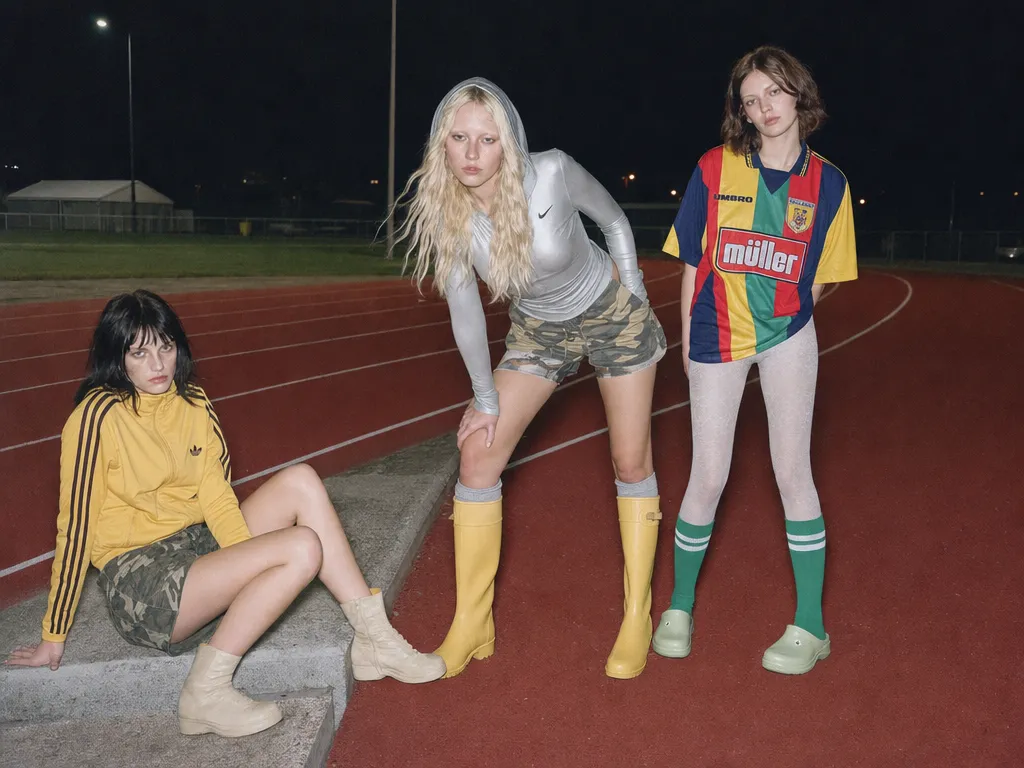
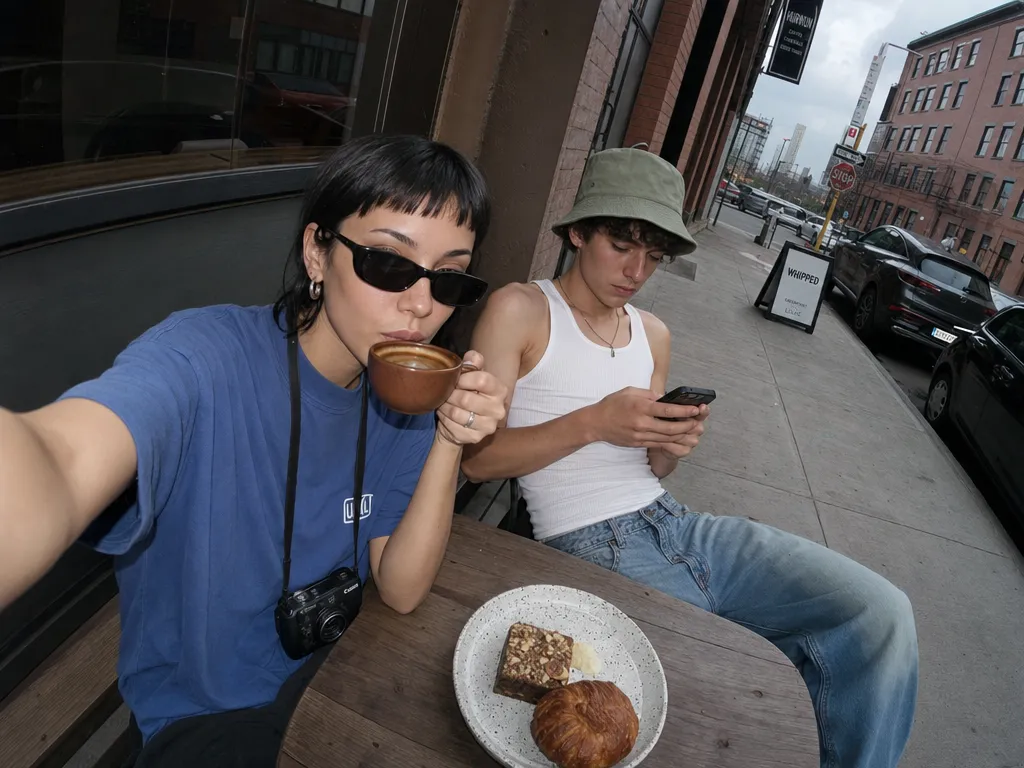
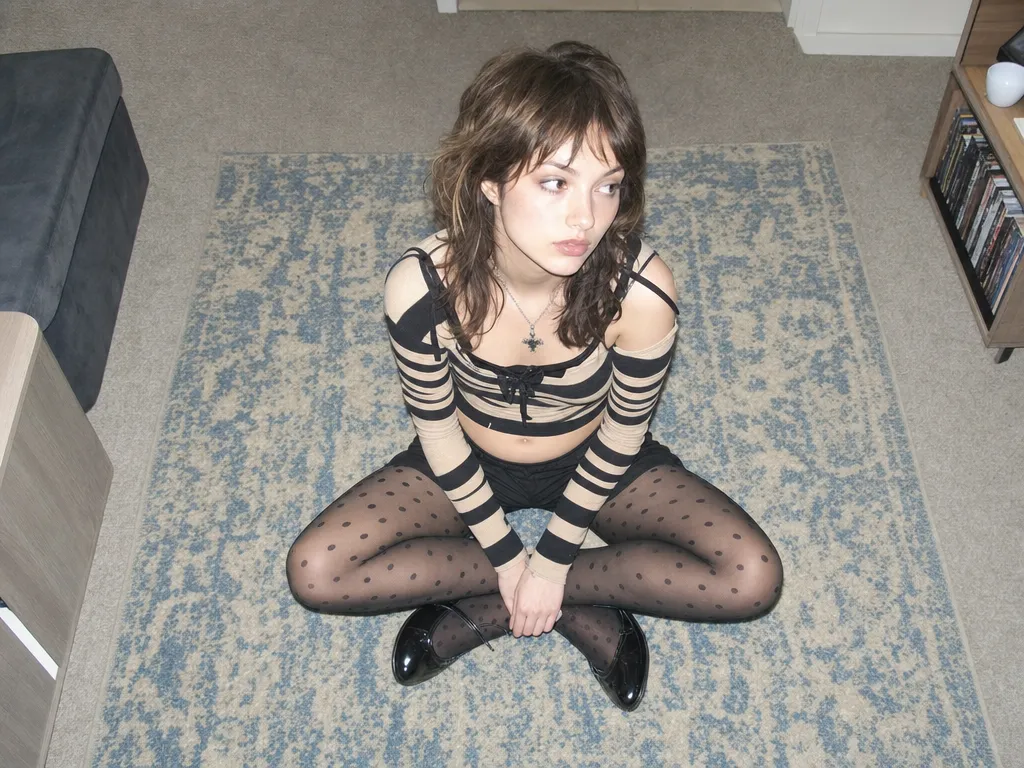
4 credits a render — half of Nano Banana 2
Every Lite render costs 4 credits against Nano Banana 2's 8 and Nano Banana Pro's 15. Same free daily credits, roughly double the renders out of them. The arithmetic is the whole point of this tier.
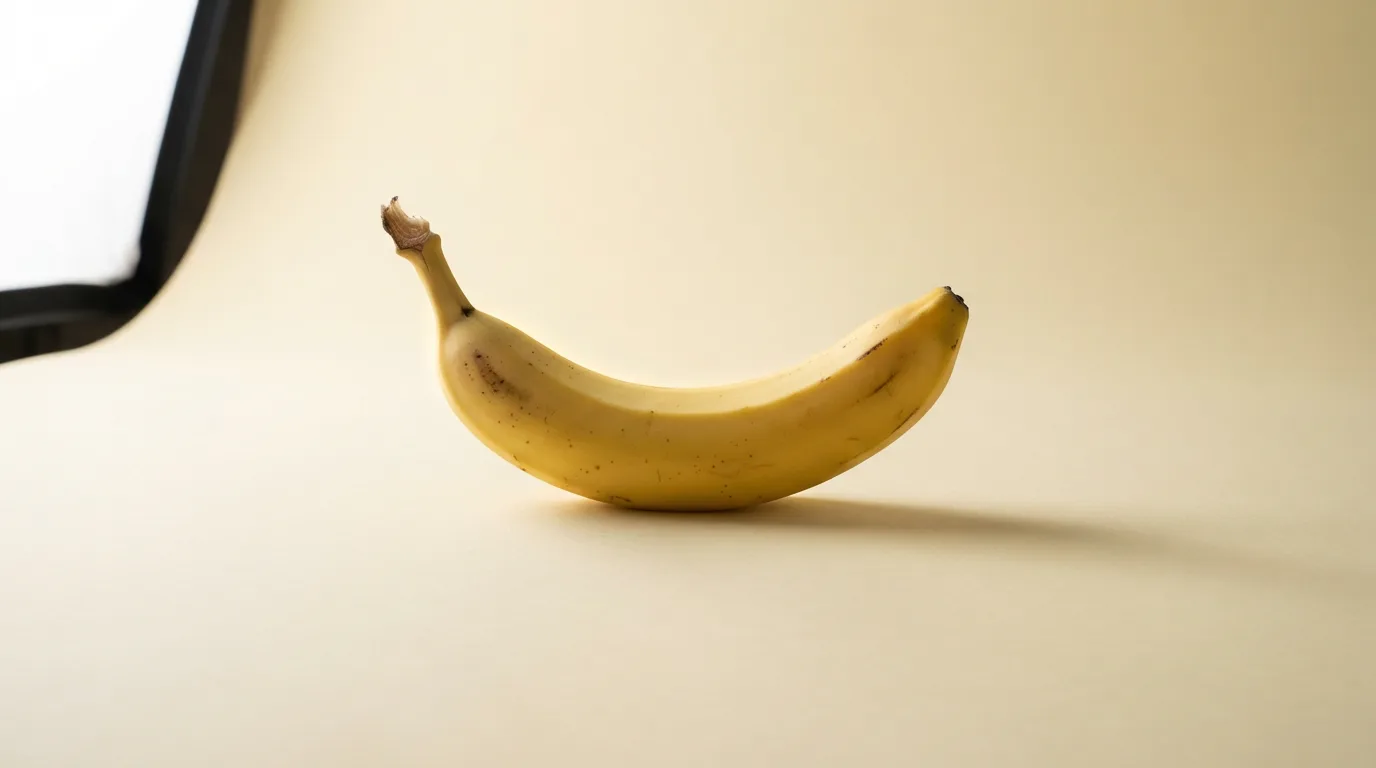
Every Lite render costs 4 credits against Nano Banana 2's 8 and Nano Banana Pro's 15. Same free daily credits, roughly double the renders out of them. The arithmetic is the whole point of this tier.
Lite renders at 1K only — no 2K, no 4K, no upscale path inside the model. Google caps it there and Sunra doesn't pretend otherwise. If you need print resolution, Nano Banana Pro goes to 4K; if you need a middle gear, Nano Banana 2 covers 0.5K through 4K. Need to enlarge a Lite render after the fact? Run it through Image Upscale.
21:9, 9:16, 5:4, 4:5 — plus 4:1, 8:1, 1:4 and 1:8 for site headers, sidebar rails, and banner slots that normally mean cropping a square down to nothing. Ask for 8:1 and Lite composes for 8:1, leaving the negative space where your headline goes.
Upload an image, describe the change in a sentence, skip the masking. Lite inherits Nano Banana's prompt-driven editing — it works out which region you meant. Where it gives ground to its siblings is dense multi-clause instructions, not the everyday one-thing-at-a-time edit.
Lite is Google's gemini-3.1-flash-lite-image served through Sunra — no Vertex AI project, no API key, no billing setup. Open the image generator, pick it from the model list, and go.
Draft on Lite, then re-run the keeper on a bigger model without retyping anything — same prompt box, same reference images, one dropdown. Or line all three up side by side in your project and pick the winner before you spend the credits.
Go to Sunra Image and pick Nano Banana 2 Lite from the model list. No account needed to start — free daily credits are there already.
Describe the image, then choose from the 14 aspect ratios. Resolution stays at 1K — it's the only setting Lite offers, so there's nothing to tune. For an edit instead, upload an image and describe the change in plain language.
At 4 credits a render, the sensible move is volume — fire off several variants of the same idea and compare, rather than agonising over one prompt.
Found the composition? Switch the dropdown to Nano Banana 2 or Nano Banana Pro and re-run the same prompt for a higher-resolution final. Or turn it into a video clip without leaving the page.
Nail down composition, framing, and wording on Lite at 4 credits a go, then spend Pro credits once on the version you actually want at 4K. Cheap iteration in front, expensive render at the back.
The 4:1 and 8:1 ratios cover website headers, email banners, and social cover images natively — composed for the shape instead of cropped into it after the fact.
One concept, a dozen ratios — 9:16 for stories, 1:1 for feed, 16:9 for YouTube. 1K is above what every one of those platforms serves anyway, so the ceiling costs you nothing here.
Twenty rough frames beat two polished ones when you're still deciding what the thing looks like. Lite's per-render cost is what makes twenty reasonable. Assemble them in your project as you go.
Join thousands of creators, agencies, and brands who use Sunra every day.
gemini-3.1-flash-lite-image — the stripped-down member of the Nano Banana family, sitting below Nano Banana 2 and Nano Banana Pro. It generates and edits images at 1K for 4 credits a render. Same family, smaller engine, lower fare.